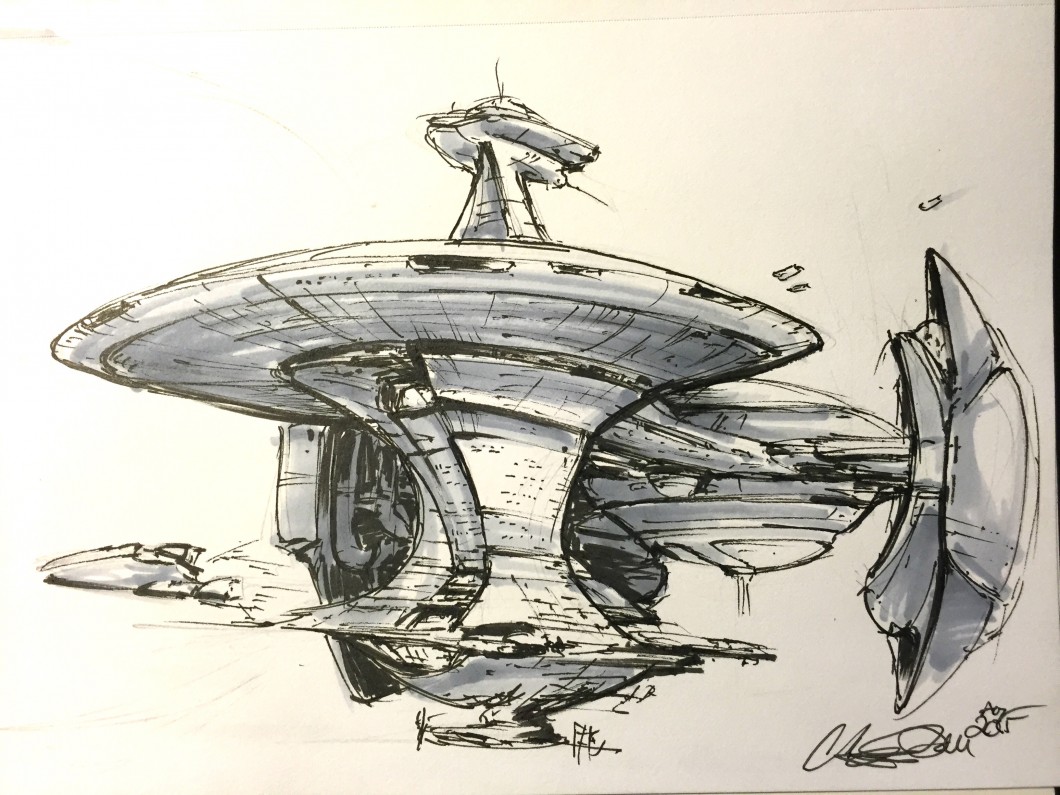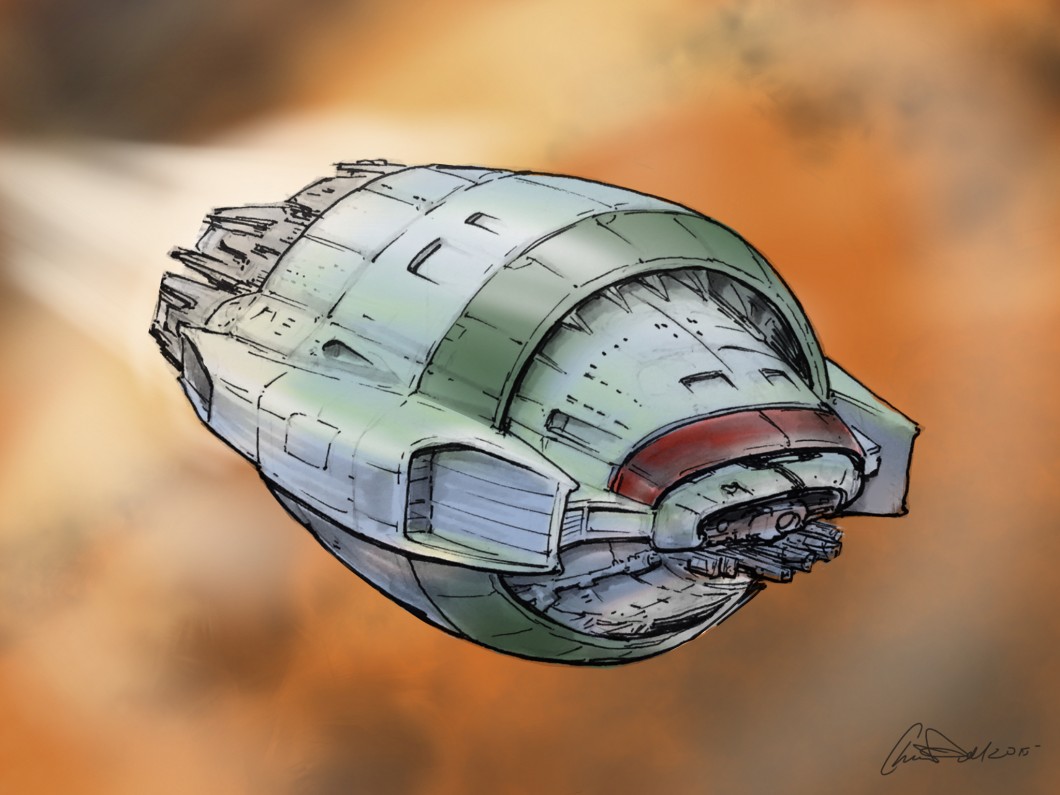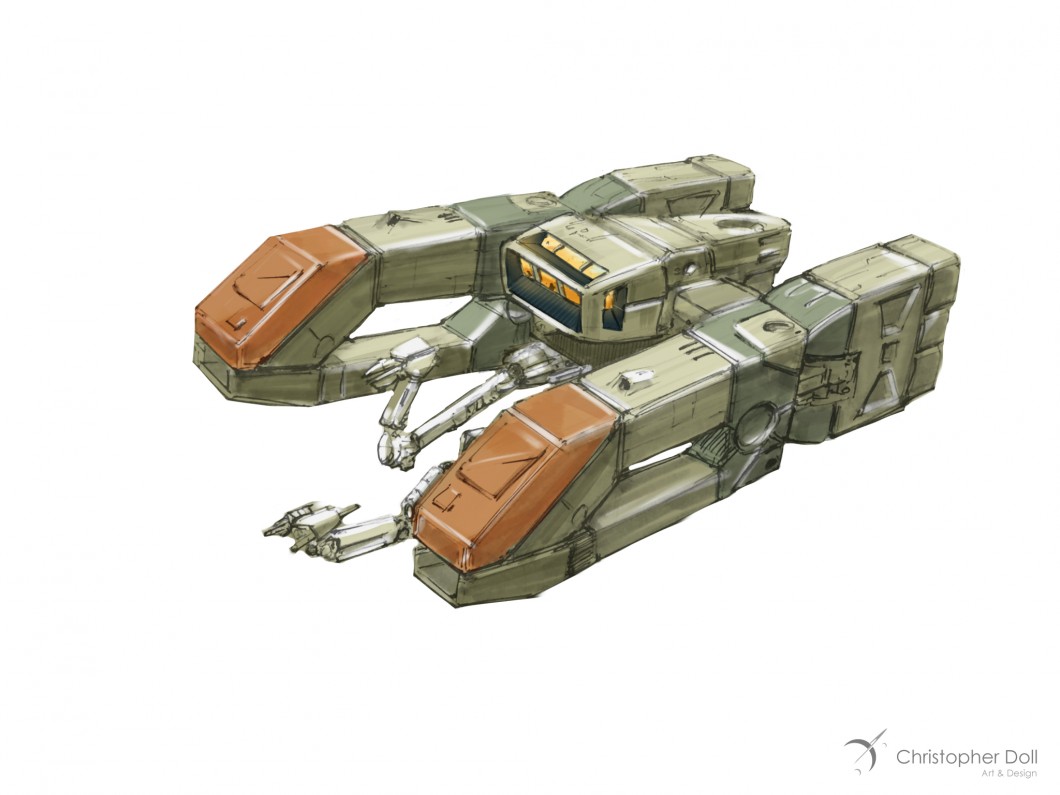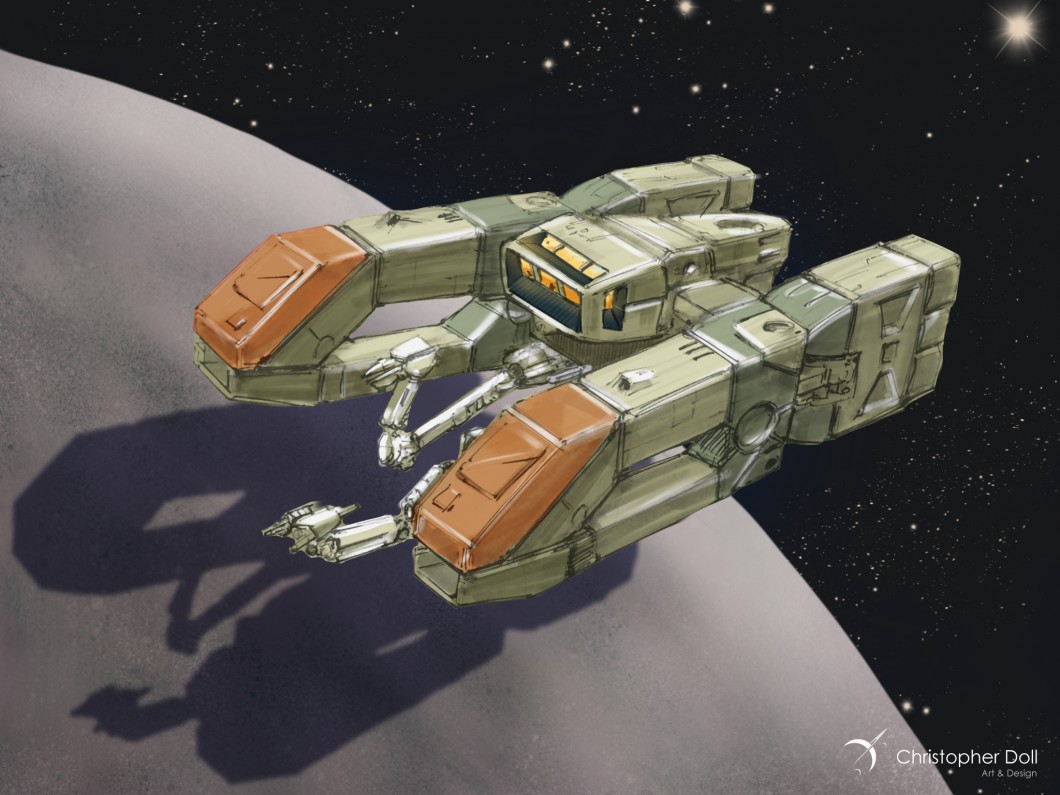
Category: Concept Art

  • Introducing the Space Art Academy

    Introducing the Space Art Academy

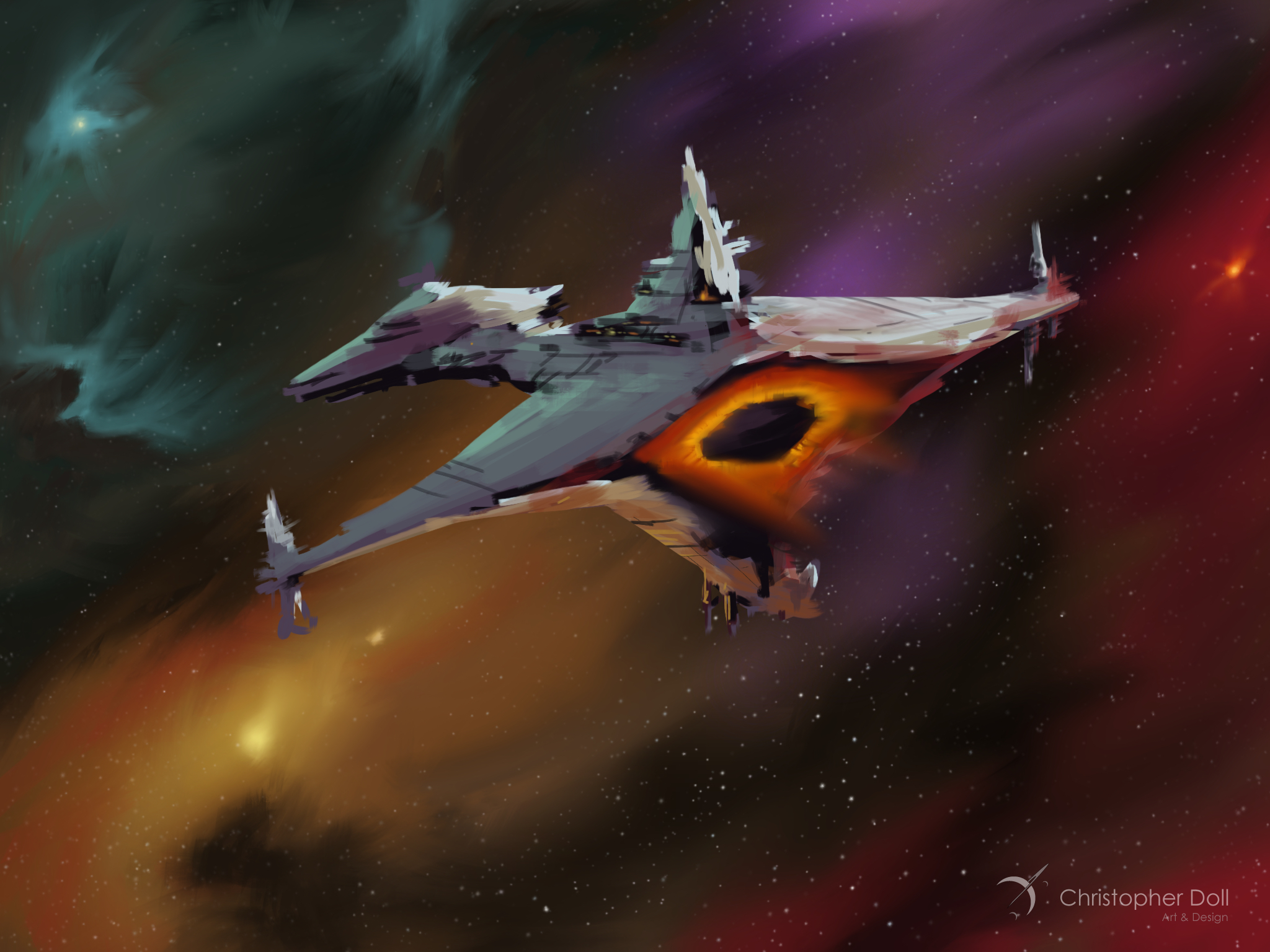
    I am thrilled and terrified to announce my Space Art Academy. Thrilled because I enjoy teaching art and design. We are going to have a great time drawing starships, or painting a galaxy. The terror is only in my own mind, as any new venture risks failure.

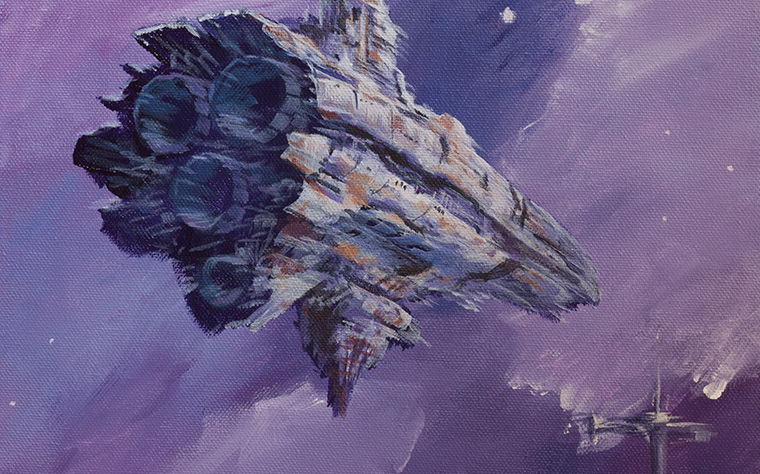
    The Space Art Academy is where I will offer a range of courses on all aspects what I like to call Space Art. I’m relaxed with the term Space Art. To me it encompasses both astronomical space of the real variety, for there is great beauty in space both near and far. It also includes the wild fantasy side, science fiction, and realms of the unbelievable. All require the same skills – drawing, light and shadow, color, composition, and that extra magic that only a human can bring to a great painting.

    Why Now?

    I want to teach everything I have learned about drawing, design, illustration, color, and fine art. This is the culmination of decades of personal and professional experience based on a core foundation of Industrial Design illustration. My confidence is high when it comes to discussing the principles and practices of drawing and illustration. I might even go so far as to say I have an angle on fine art as well. I’ll leave it to you to decide if I can be so bold.

    As much as these courses are for you, or anyone who wishes to learn Space Art, they will be a watershed for myself. It’s making me analyze my own work with great scrutiny.

    Who Could Use These Courses?

    Anyone with the skill to find this blog post and read it will be more than qualified for the material in these classes. Complete novices will get years of practical knowledge, and they can keep all the material for reference later. Seasoned artists will also find gems.

    How Will This Work?

    Each course will be broken into individual video chapters. Some of these chapters will have reference material or worksheets (varies depending on the course). The materials can be downloaded upon purchase (and subsequent release). I will be available for questions via a dedicated Discord channel, the link will be provided with the course materials.

    PREVIEW CLASSES ON PATREON

    Patreon members have already seen some of the materials I’ve prepared for the first course, How to Draw Starships 101. With their input, I’ve adjusted the scope of these courses and I’m very happy with the final direction. If you want in on developing future courses, or if you’d like to see them early, consider signing up over on my Patreon. You’ll also receive additional discounts on all courses as a Patreon member.

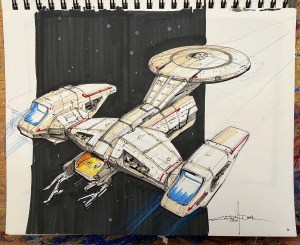
    How to Draw Starships 101

    Starships are the human conveyances in our favorite science fiction stories. They have a soul, like sailing ships in our own past. In our debut course I will start with a foundation of drawing skills, which we will use to explore different types of starships.
    HOW TO DRAW STARSHIPS 101

    Original price was: $80.00.Current price is: $49.00.

    What is next?

    How to Draw Starships 101 will release in early July. I will then turn my attention on the next course, an exploration of color theory. Our first semester will end with a course on constructing a complete Space Art scene.

    These courses will never cover all aspects their respective subjects. I will expand each line, and add more as necessary. Personally I can’t wait until I can start sharing the work of all of our Space Art Academy students.
  • Speed Sketches In Photoshop

    Speed Sketches In Photoshop

    Speed sketching with your tools is a great way to get your pen moving, and your drawing mind working. You can speed sketch in traditional media or digital, both are�a great way to warm up, or to shake things out in between projects. Speed sketches�force you to make decisions quickly and with less deliberation than a full-blown piece.

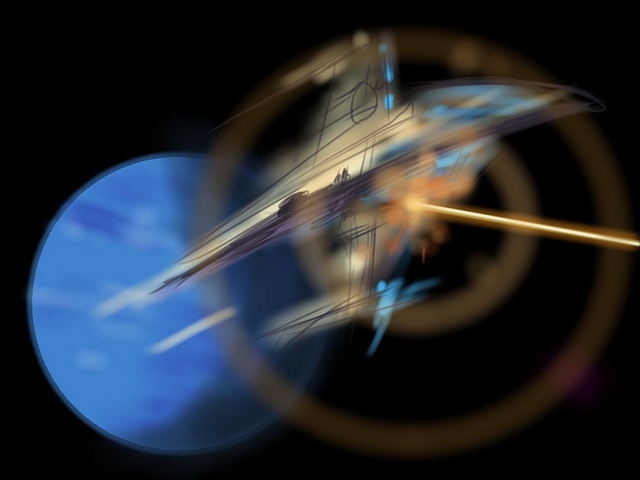
    Three Versions of Ambush In Orbit
    Three Versions of Ambush In Orbit

    For those of you following my recent posts on Instagram, Twitter, and Facebook, you’ve noticed that I’ve been adding more of these speed sketches recently using Photoshop and my Wacom Intuos Pro tablet. I’ve learned some new brushes that I don’t normally use, like some of the built-in paint brush emulators in Photoshop. Some are okay for my needs, while others better than I’d anticipated. Their angle and flat brushes are great for laying in quick areas of color as I draw these scenes.

    While some speed sketches have turned out better than I’d anticipated, and are themselves almost complete pieces, others haven’t turned out as well as I’d hoped. In this case, I started with the phrase “Ambush In Orbit” and began thinking of some John Berkey-like scenes in my mind.

    The planet and background were drawn first, and I spent almost an entire 45 minute session on these alone. I don’t always render the background first, but it helps set the tone of the main subjects. When it came time for the spacecraft, none of them matched what I originally had in my mind so I ended up with three different styles of spacecraft. I stopped near my standard 45 minutes on each of these, and while they are each a bit off from my planned vision,�I’m somewhat happy with them.

    Ambush In Orbit 1
    Ambush In Orbit 1

    This first version fell away from�the colors I wanted, with the ship being warmer than I’d intended. If I were to take this on to a finished piece I’d adjust the hue across the layers of the ship.

    Ambush In Orbit 2
    Ambush In Orbit 2

    The second spacecraft here just gave up on the whole notion of an orbital ambush, but those engines were just too fun to draw. And the Monty Python style helmet was cracking me up. I am still digging the indication of lit rooms, although it looks like a raging forest fire in there.

    Ambush In Orbit 3
    Ambush In Orbit 3

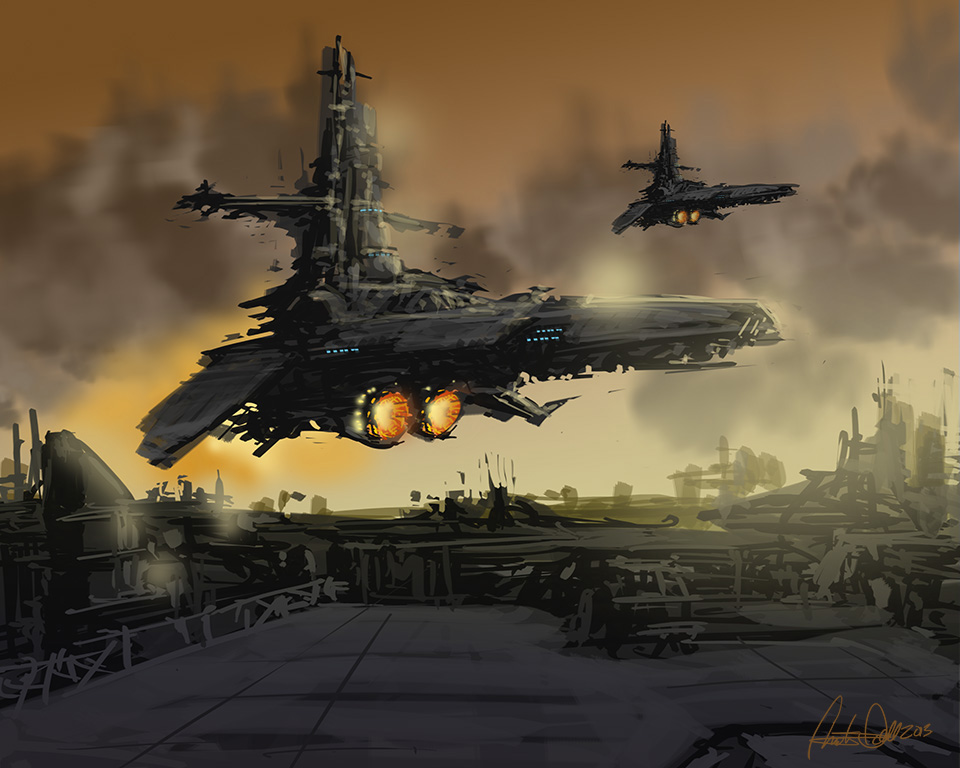
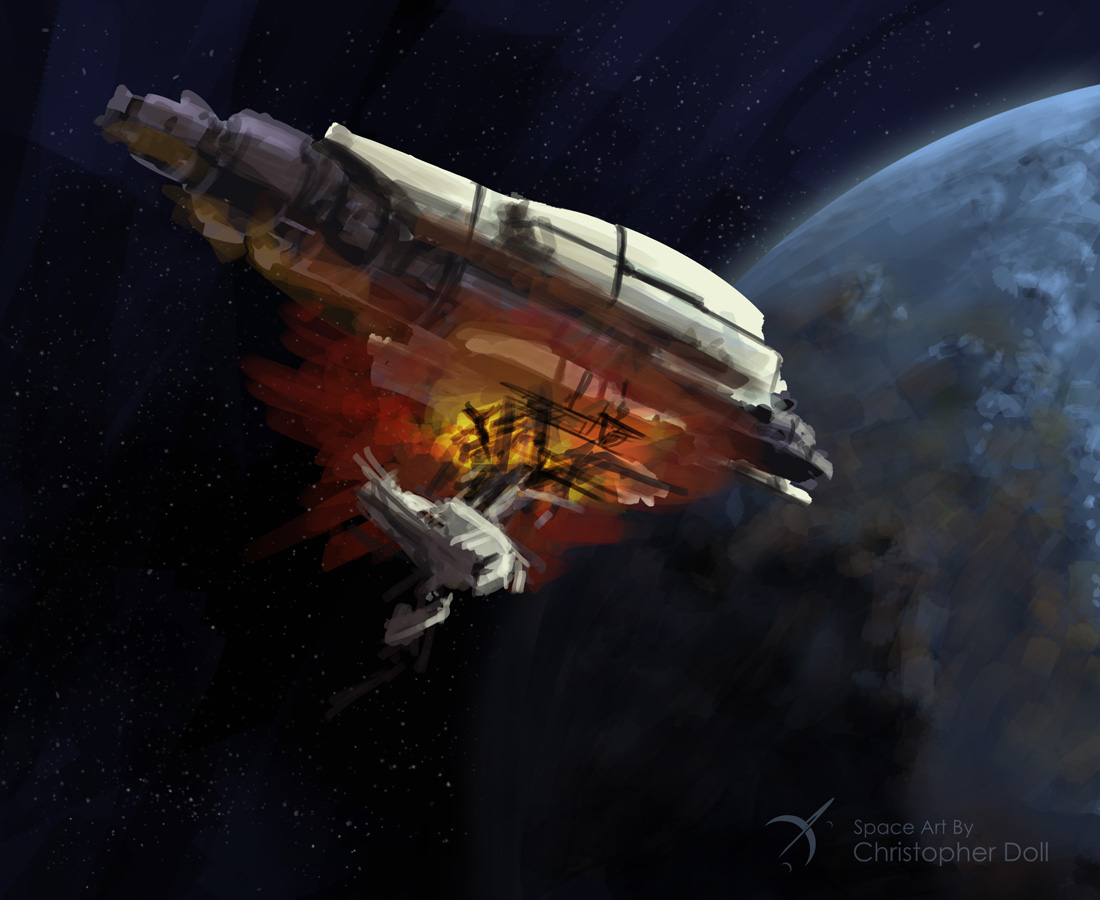
    None of the shapes in my third attenpt were working out so I started blocking out detail cuts from the form and throwing in the energetic engine colors. The engine flame layers were set to Color Dodge and duplicated to enhance the effect. Now it looks like a piece of wreckage, in my eyes, and a more fun direction than where I started. Again this would be taken a lot further as far as detailing is concerned.

    That’s a bit of a view on the process, and while sometimes they don’t come out the way you’d like, they’re still fun and good practice.

    About Christopher DolL

    CDoll_Sept2014Christopher Doll is an artist and designer from the greater Seattle area.� He specializes in astronomy, space travel, and science fiction themes. His work has been featured in a number of books, articles, and on the cover of several novels.
    Recently Christopher Doll published Coloring Space 1, the first in a new line of adult coloring books featuring spaceships. Check out the Space Art By Christopher Doll Store for this and other space-related artwork and gifts.

    Space Art By Christopher Doll Store
    Space Art By Christopher Doll Store

  • Book Cover Art Exercises

    Book Cover Art Exercises

    Winding into Fall of 2015, I have been taking my design sketches into more finished pieces. As fun as it’s been creating my #spaceshipaday entries, it’s clear that I also need to demonstrate more finished work like the ones I’m showing here. I set out with several goals for these drawings:

    • Draw something that would make me want to read this book (clearly from a science fiction aspect)
    • Tighten up details from my original sketches, while embracing my somewhat chaotic style
    • Practice more subtle use of color tones (often my color work stays a bit too saturated).
    • Most important – keep sharing work with the world and show people what I can do even though I already have several book covers out in print already.

    The first two pieces started out as #spaceshipaday line and marker drawings that garnered a lot of compliments and attention through Twitter, Instagram, and on Facebook. My thanks to you all who’ve been following along. I appreciate the comments and compliments I’ve received so far.

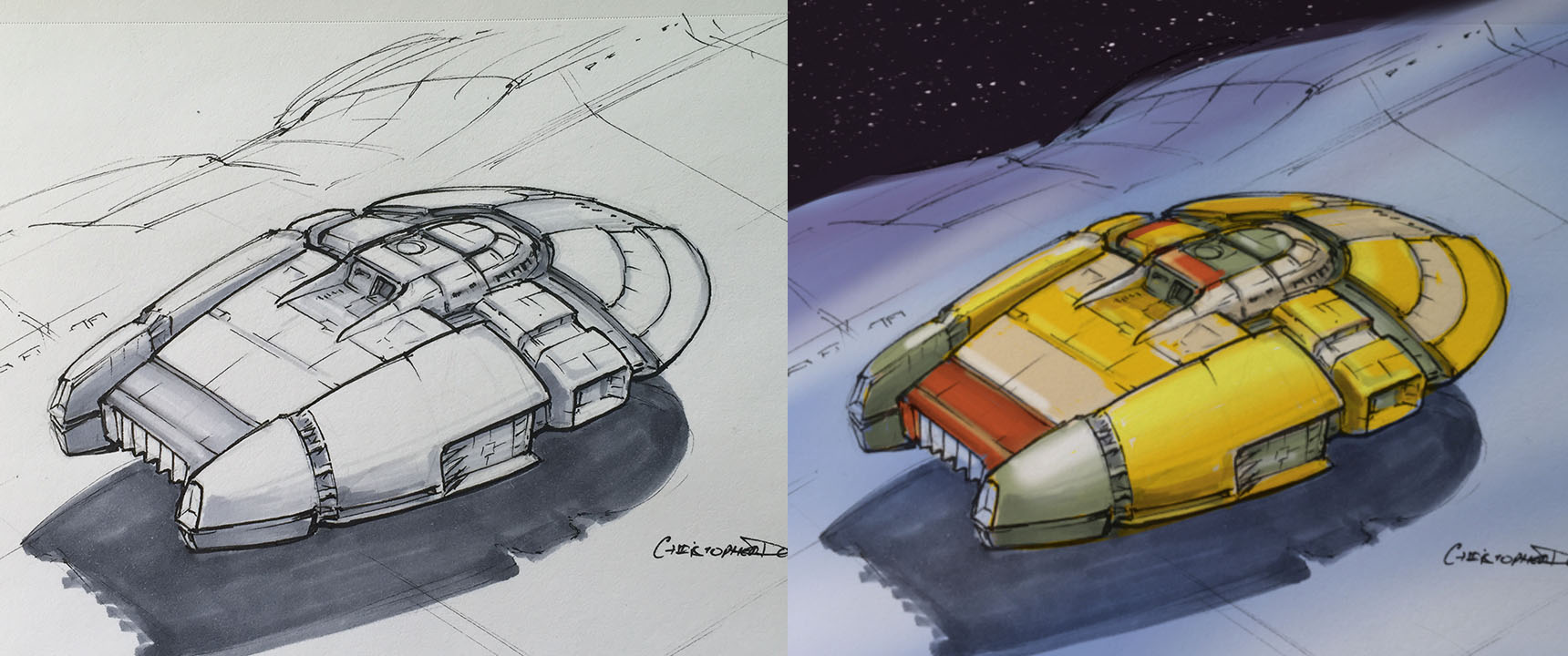
    Original Sketch for the John Berkey styled ship
    Original Sketch for the John Berkey styled ship

    Color pass and extra detail using Photoshop and a Wacom Intuos Stylus
    Color pass and extra detail using Photoshop and a Wacom Intuos Stylus

    Clearly influenced by my love of John Berkey’s artwork, I wanted to draw something that had the same amount of crazy and wonderful details as his work. Since I’ve time-boxed my initial sketches (45 minutes or less), it’s actually tricky to get in a lot of detail especially if you’re trying to make it fit in some fashion with the rest of the ship. Overall I was happy with the concept, although some pointed out that it’s starting to look like the spaceship from the Coneheads movie, or maybe even Colonial One from Battlestar Galactica (the new show). Influences aside, my focus was more on the process.

    The sketch was photographed and taken into Photoshop where I gave it a quick color pass (above). As of this writing, it is still unfinished, I’ll post the final in my Gallery.

    Heavy Transport in a deep atmosphere. Rendered with Procreate on an iPad
    Heavy Transport in a deep atmosphere. Rendered with Procreate on an iPad

    This next image was also quite popular as a sketch, this time I stepped more into Chris Foss territory. I tried to leave the atmosphere fairly bland compared to the ship itself, although looking at it now I think it could be even more diffused. I realize I’ve left in many of the lines from my original sketch. To me this is still one stage away from being a final cover art piece and my focus has been on trying to achieve an emotional impact with the design and rendering.

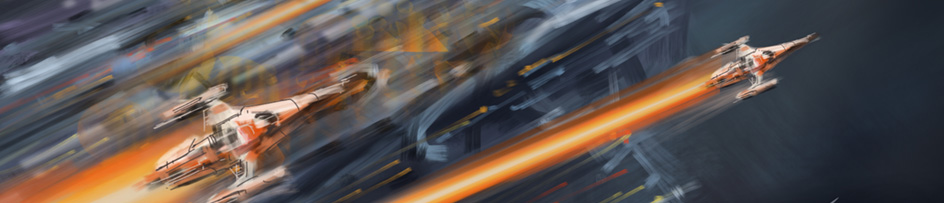
    Speed Chase - no sketch, entirely drawn with Procreate on an iPad
    Speed Chase – no sketch, entirely drawn with Procreate on an iPad

    Finally there’s this fun piece that was created entirely in Procreate on my iPad. There was no sketch. Sometimes everything comes together all at once and it all becomes a joy to witness. This is one of those moments where I just let my hand run free with only my artistic lizard brain at the controls. I don’t know of any other way to describe it but everything from the color, composition, and the frenzied style seemed to fit together nicely without a lot of effort. I would be inclined to read this book if I saw it in the store.
  • Speed Painting – Stellar Explorer

    Speed Painting – Stellar Explorer

    One of the benefits of using a great app like Procreate is that it kicks out a video of your entire process. As part of my own skill-building exercise, this particular piece was an exploration in creating form and mood using the light and color from the environment.
    Here’s a compressed 2 minute video showing the drawing from start to finish. Enjoy!

    And here is the final image:

    StellarExplorer_CDoll

  • Announcing My First Book – Coloring Space 1

    Announcing My First Book – Coloring Space 1

    I’m happy to announce my first book, Coloring Space 1. This is a coloring book for adults and children, featuring 24 of my own spaceship designs and scenes. Each one is drawn and formatted for an 8″ x 10″ trade paperback. The paper is a bit heavier than standard trade publications, and each image is presented on its own page so bleed-through will be less of an issue for those using markers or watercolors.

    Front cover to Coloring Space 1
    Front cover to Coloring Space 1

    Back Cover to Coloring Space 1
    Back Cover to Coloring Space 1

    Inside I have placed the artwork on the right-facing pages, leaving most of the left-facing pages blank so that any bleed from markers or watercolors will not destroy the next page behind it. A couple of the first pages include helpful text as seen in the sample below.

    Sample page from Coloring Space 1
    Sample page from Coloring Space 1

    Ordering

    Autographed copies of the first printing of Coloring Space – 1 are available in� my store right now! They are expected to arrive the first week of October, orders will be sent out immediately afterwards.

    Coloring Space 1
    Coloring Space 1
    A Coloring Book wi…
    By Christopher Doll


    Coloring Space 1 is also available at Blurb.com using the link below, and will soon be available through a number of online retailers. I will have Coloring Space 1 distributed to a number of retail stores as well.

    If you live in the area, I will have a number of signed copies available at several appearances in October, so keep an eye out here and on my Facebook and Twitter pages for details.

    What’s next? Coming Soon…

    Work is underway on two more books in the Coloring Space series -� Coloring Space 2: Stars, Planets, and Galaxies, and Coloring Space 3: Alien Worlds. Details will be posted shortly.

  • Drawing Demo – Spaceship A Day

    Drawing Demo – Spaceship A Day

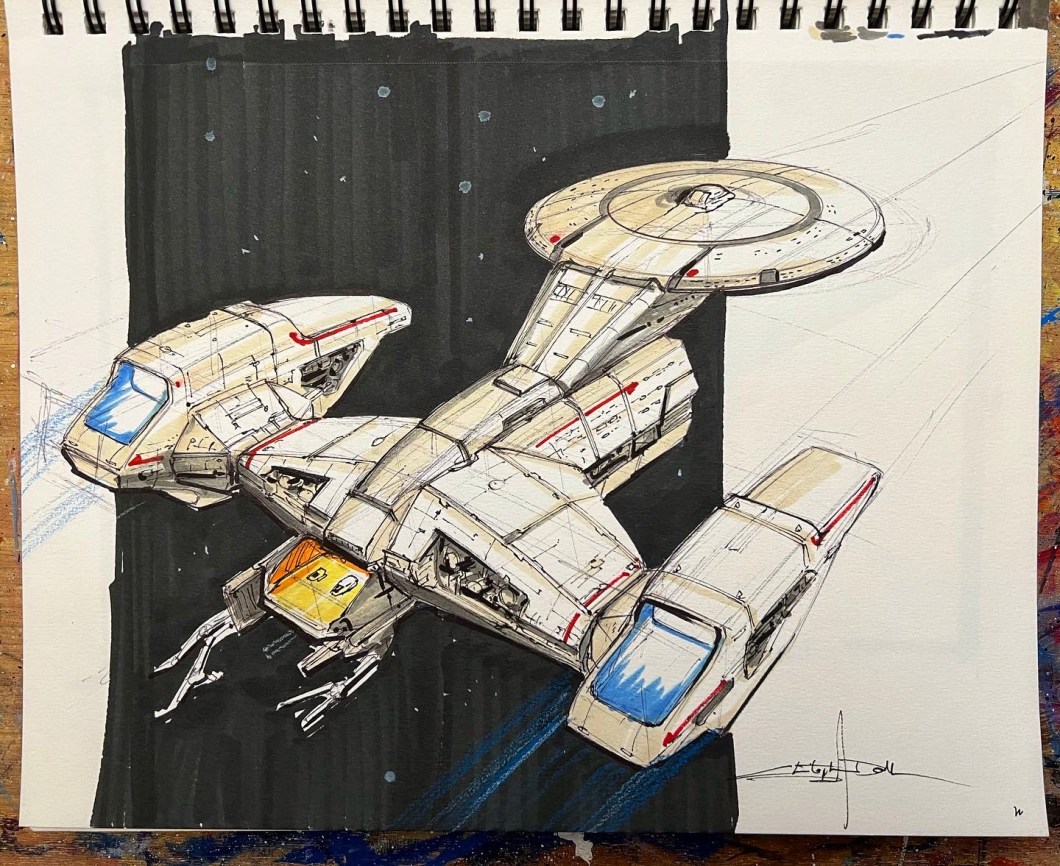
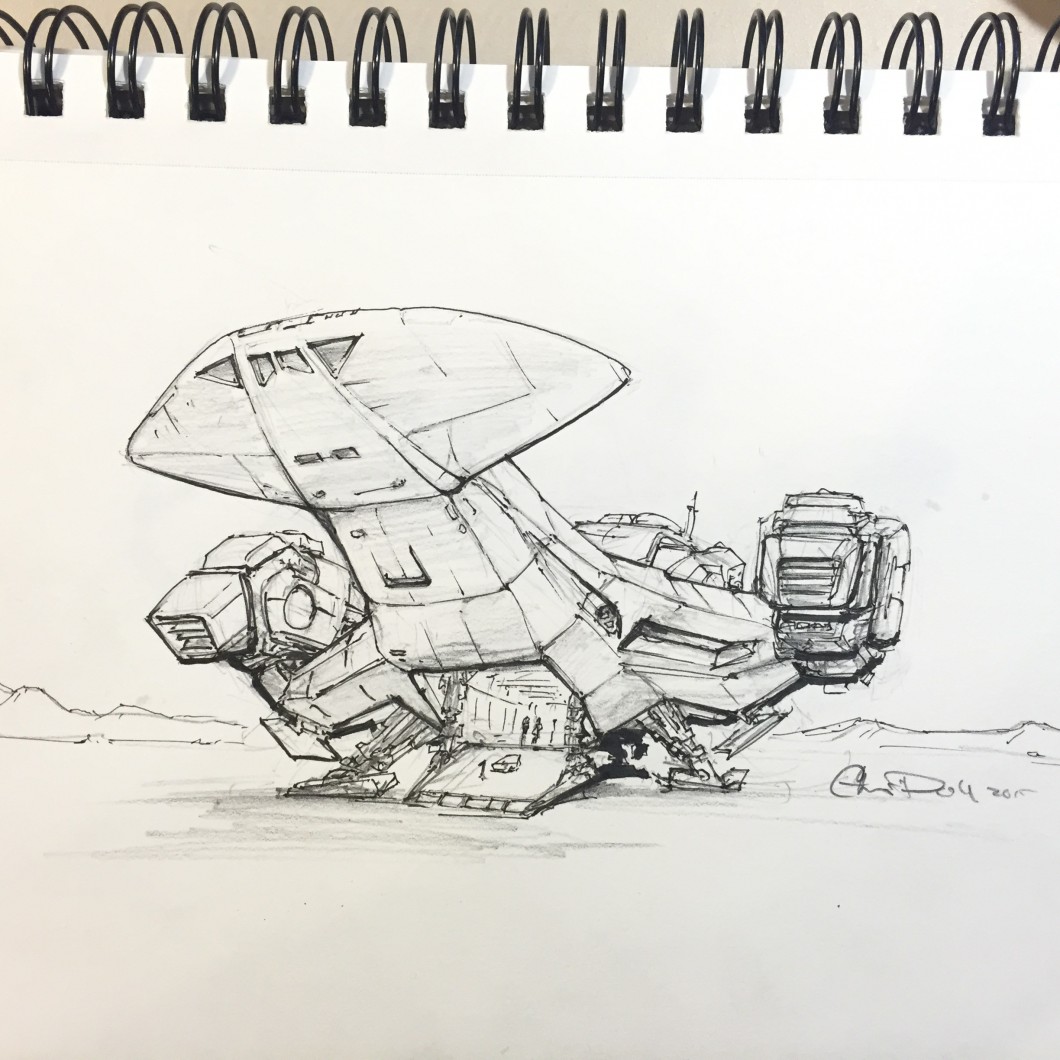
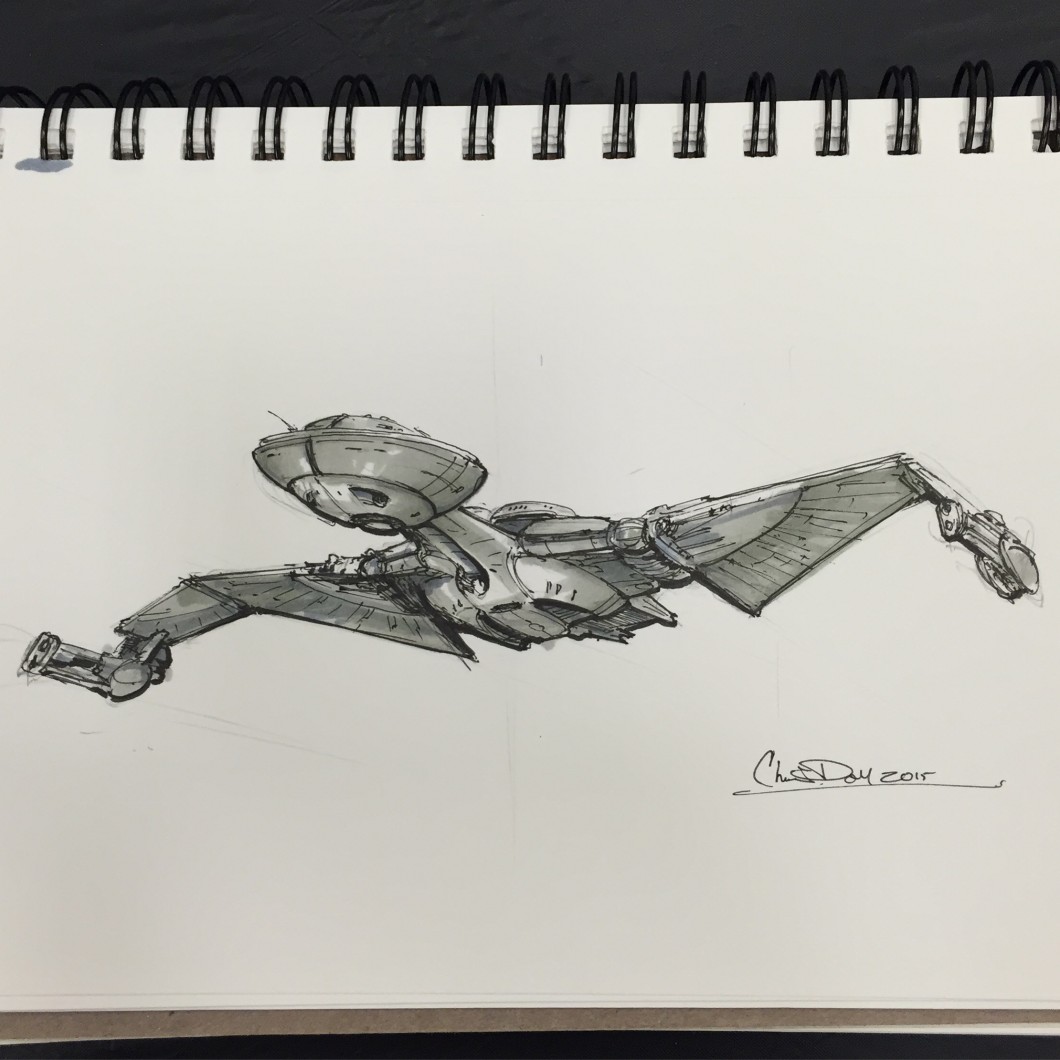
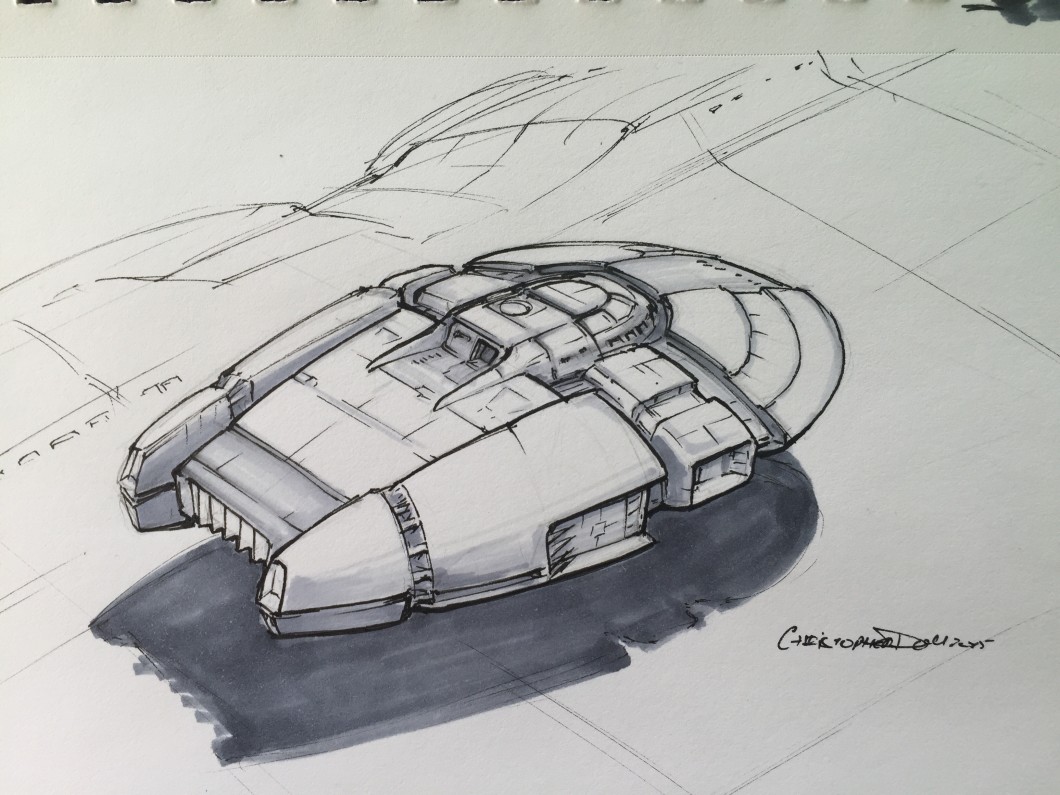
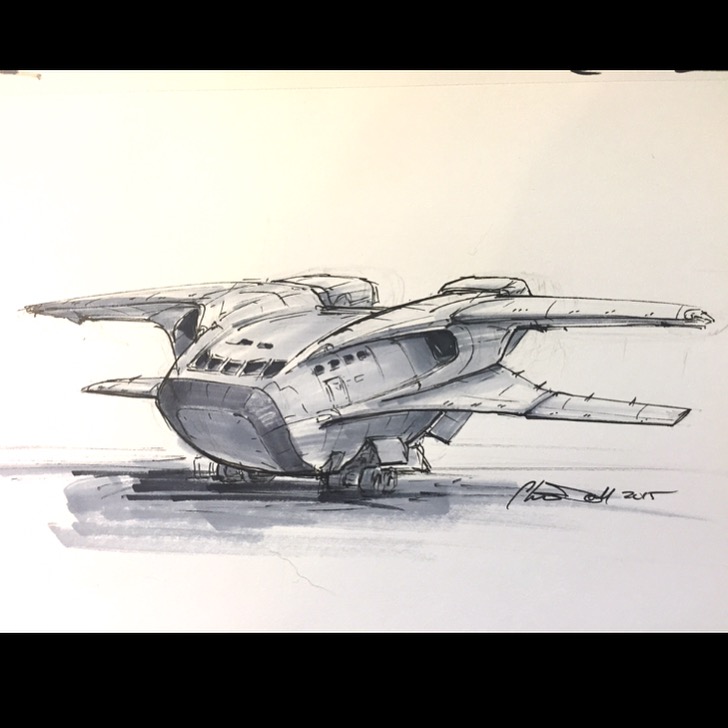
    Back around 2014 or so, I joined several other artists in SPACESHIP A DAY. Every day I drew and shaded a spaceship of my own design. It’s a fantastic way to improve your drawing skills.

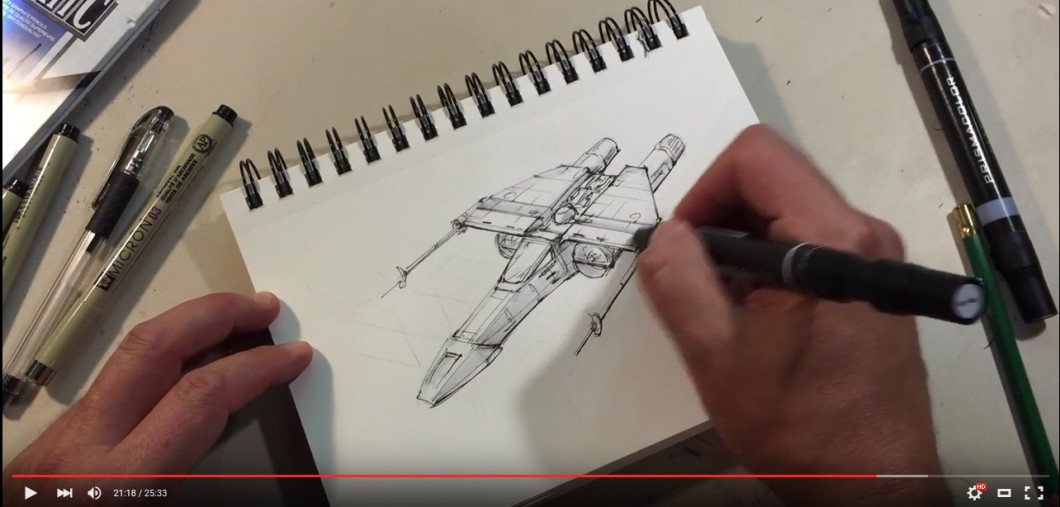
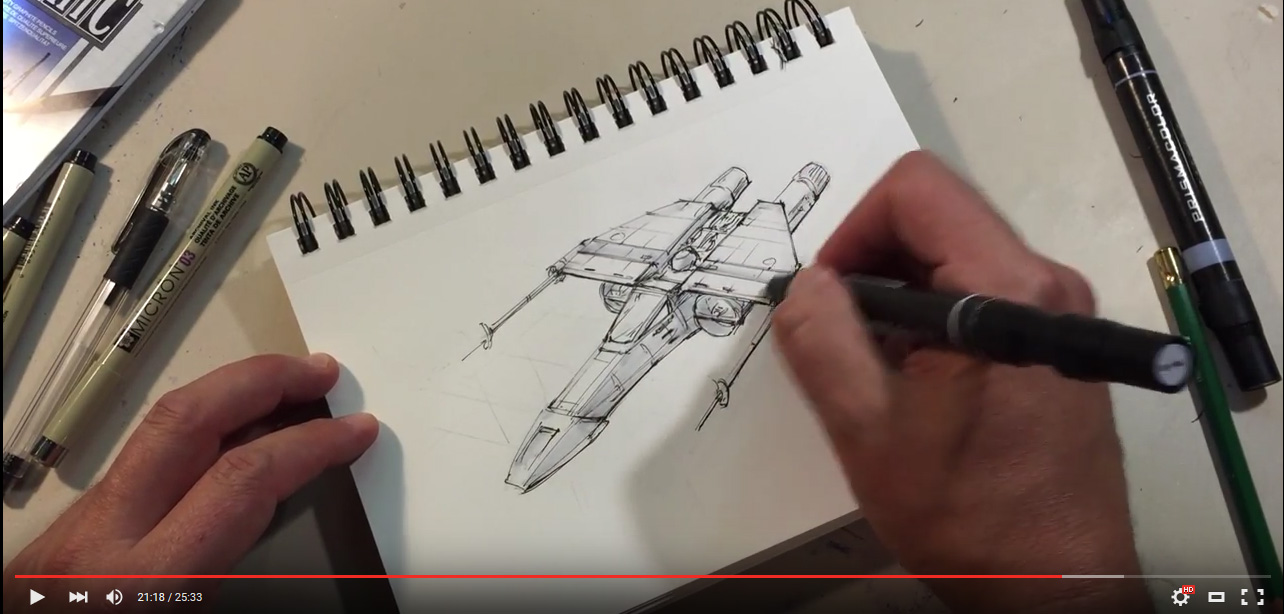
    I’ve made a video showing the process I use for the #spaceshipaday drawings. typically these drawings take 45 minutes, but I kept this one to 25 minutes for the sake of the demonstration. And yes, the spaceship is very derivative, but it was a lot of fun. Enjoy!

    NEW DRAWING CLASS

    For 2026 I am releasing the first of a new series of drawing courses, How to Draw Starships 101. This is the first class of my new SPACE ART ACADEMY where I will teach you how to draw, color, and paint your own scenes. Even if you don’t want to go as far as painting, I will show you how to draw like an Industrial Designer or Hollywood Spaceship Designer. And it’ll be a ton of fun!

    HOW TO DRAW STARSHIPS 101

    Original price was: $80.00.Current price is: $49.00.
  • Drawing a spaceship a day

    Drawing a spaceship a day

    NEW FOR 2026 – HOW TO DRAW STARSHIPS 101

    I am now taking pre-orders on a new class, How to Draw Starships 101. This is the first in a series in my new Space Art Academy. I’m offering this course at a steep discount so hurry before this offer runs out. I will teach you all the essentials, and more, for drawing all of your Spaceships any day of the week!

    HOW TO DRAW STARSHIPS 101

    Original price was: $80.00.Current price is: $49.00.

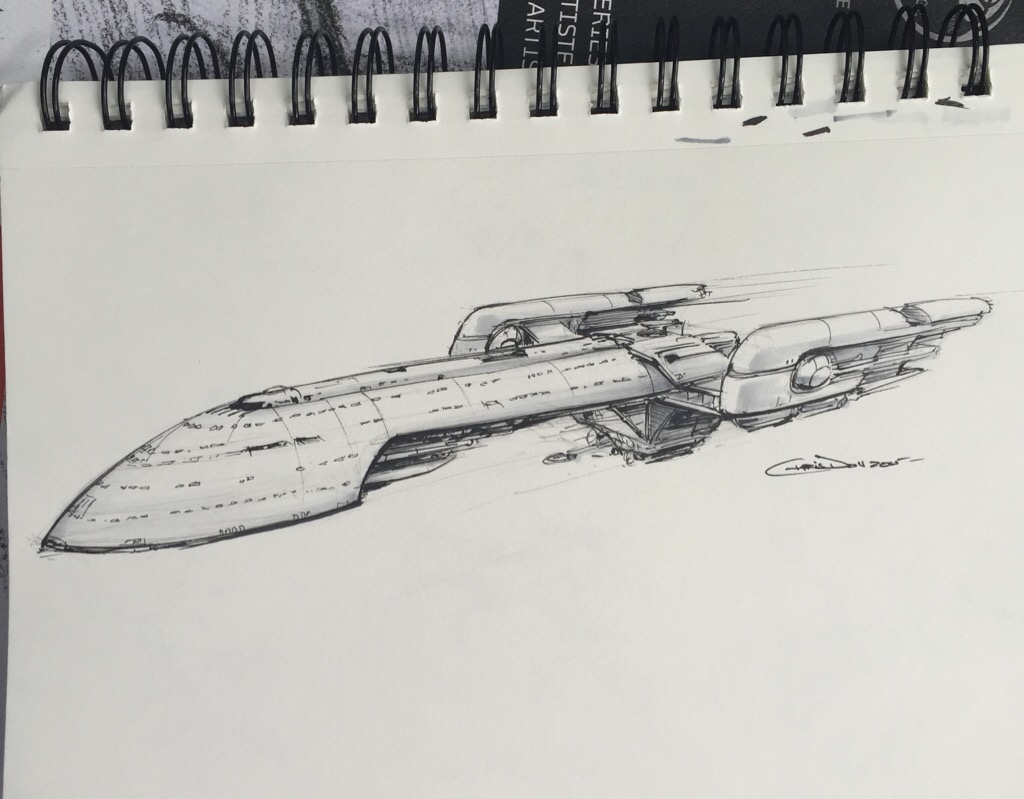
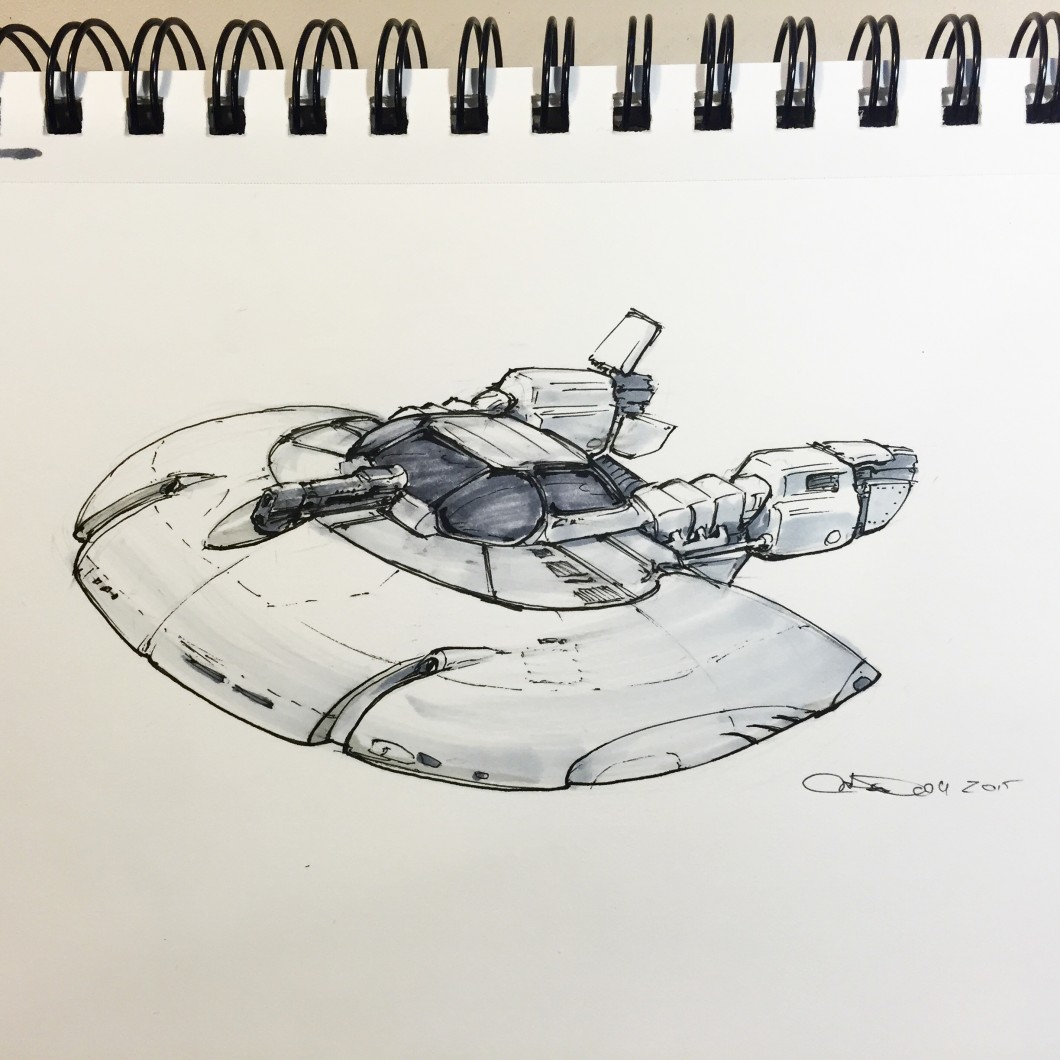
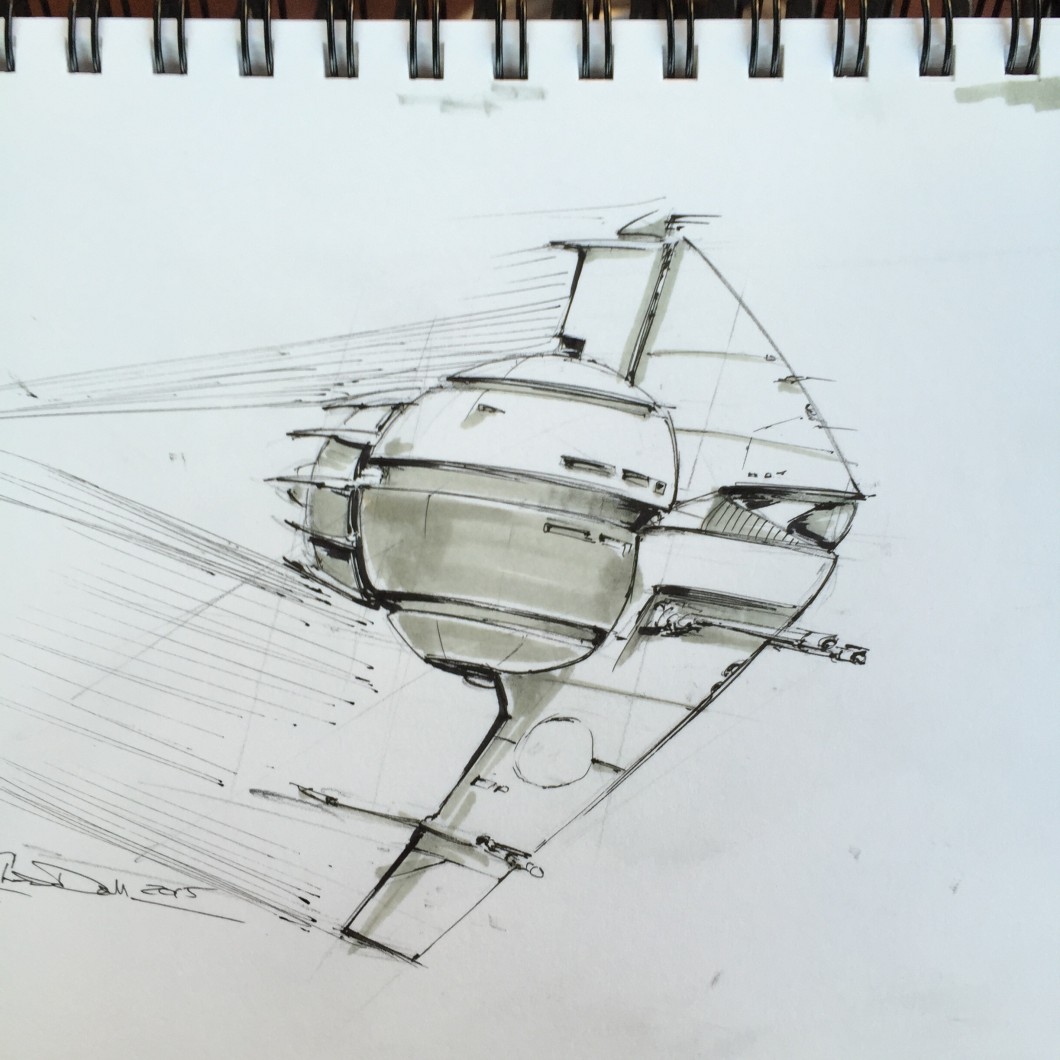
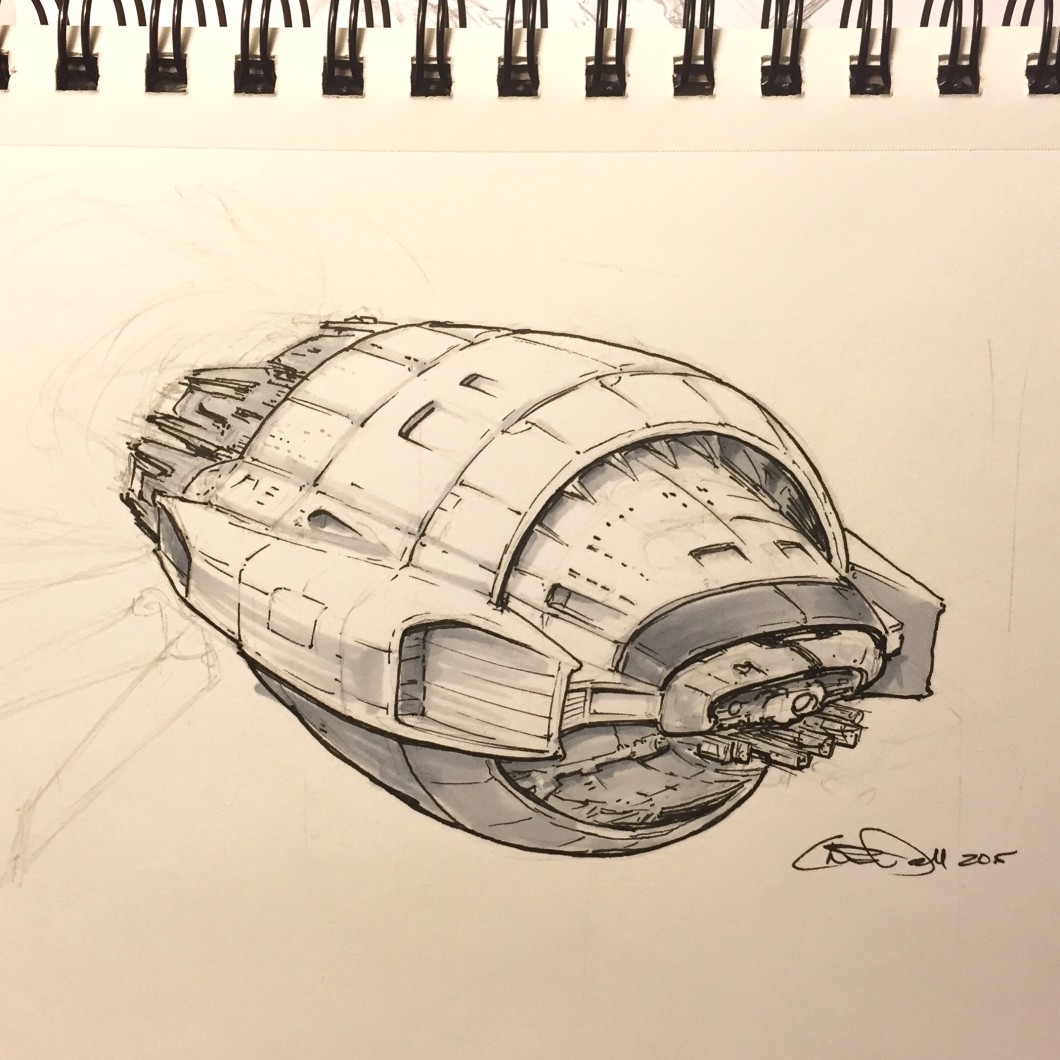
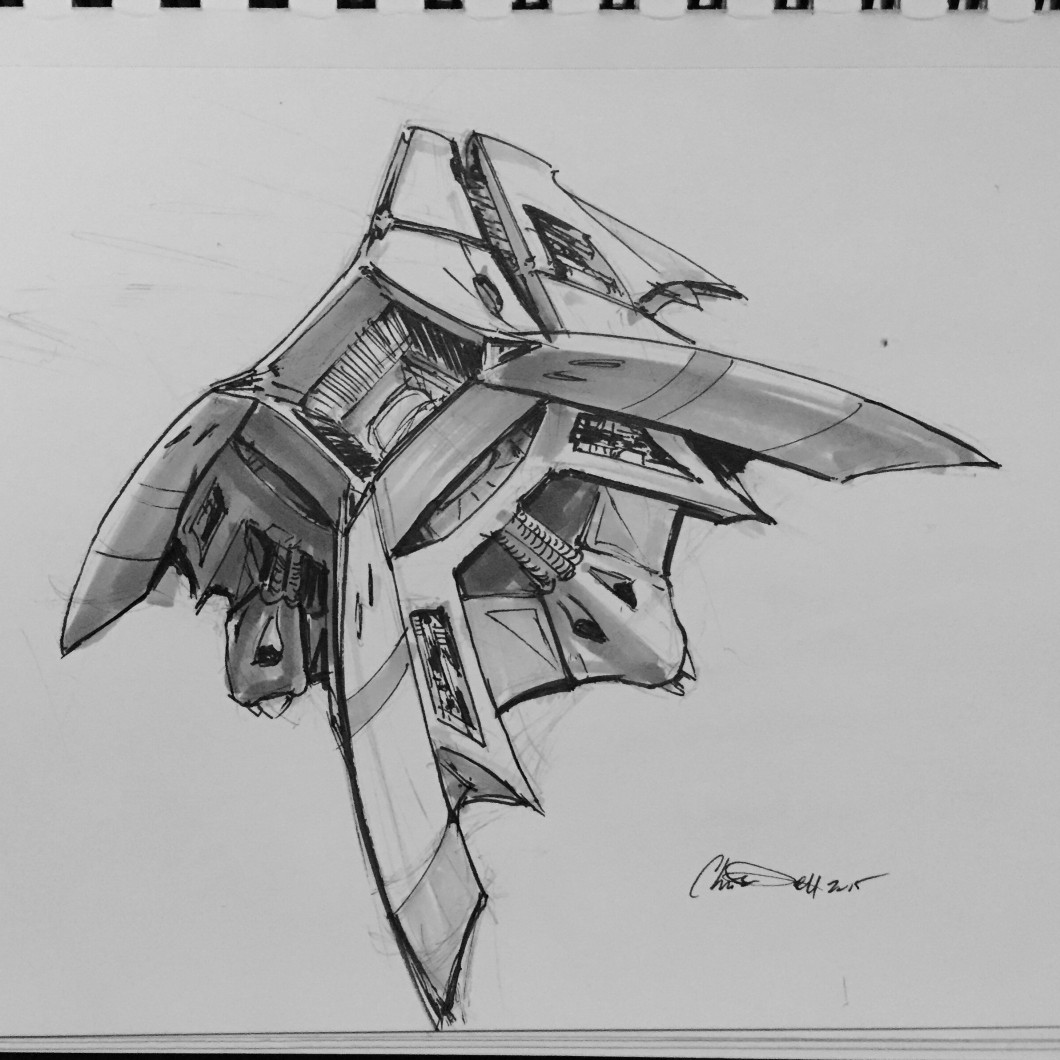
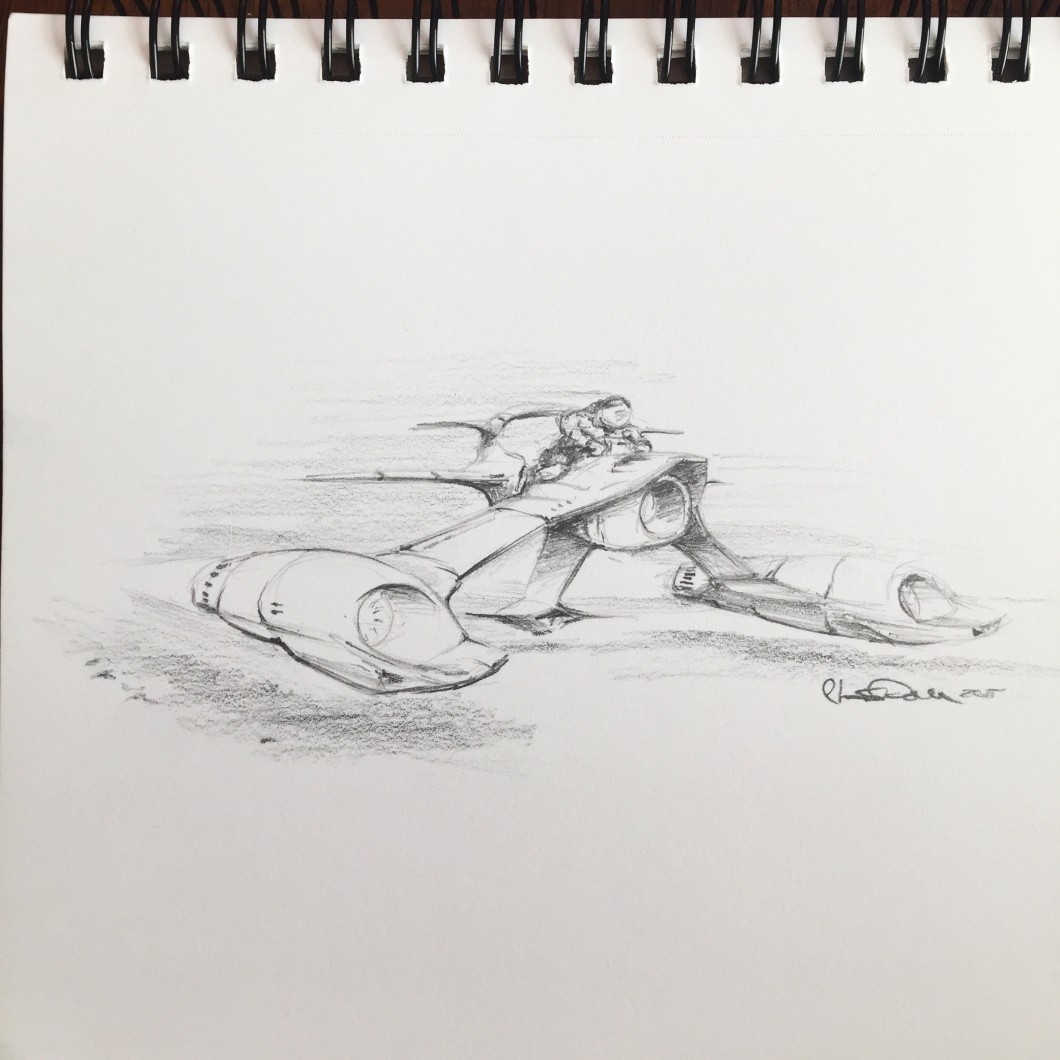
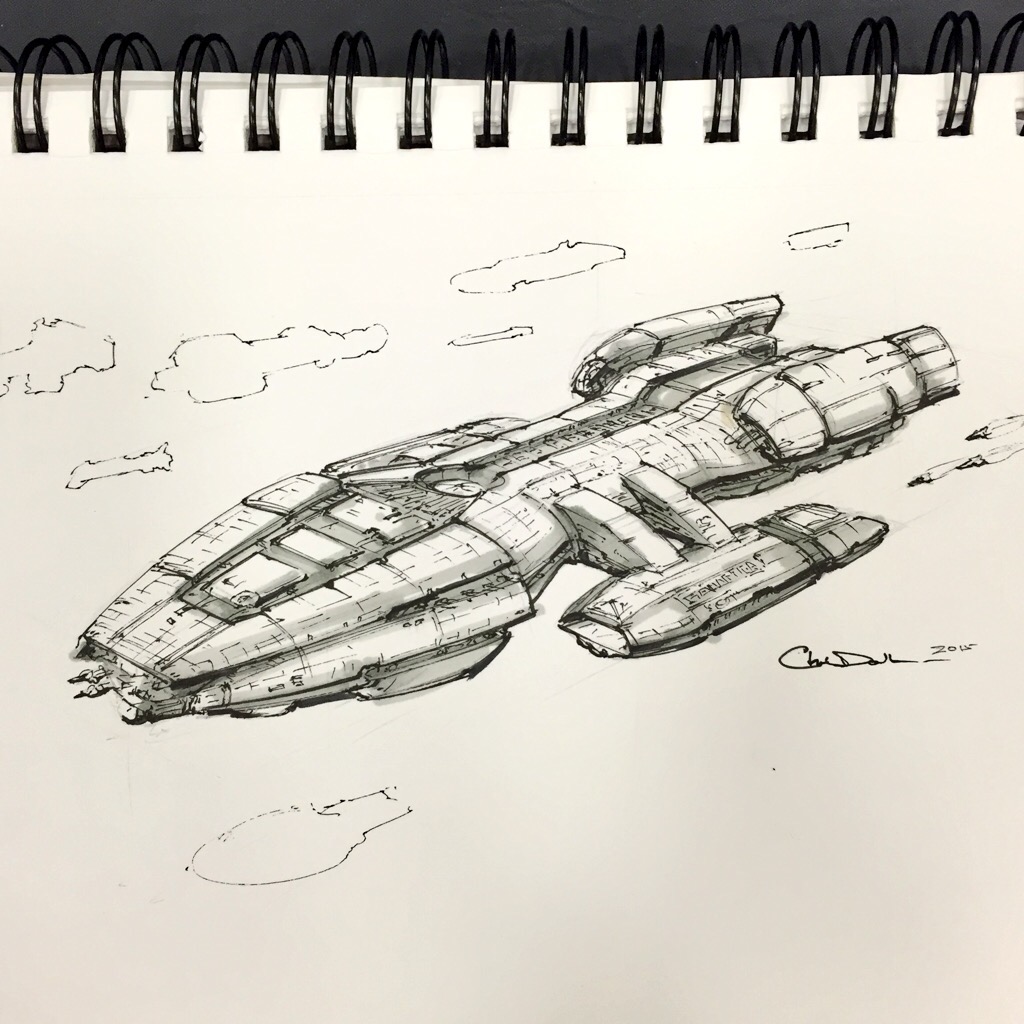
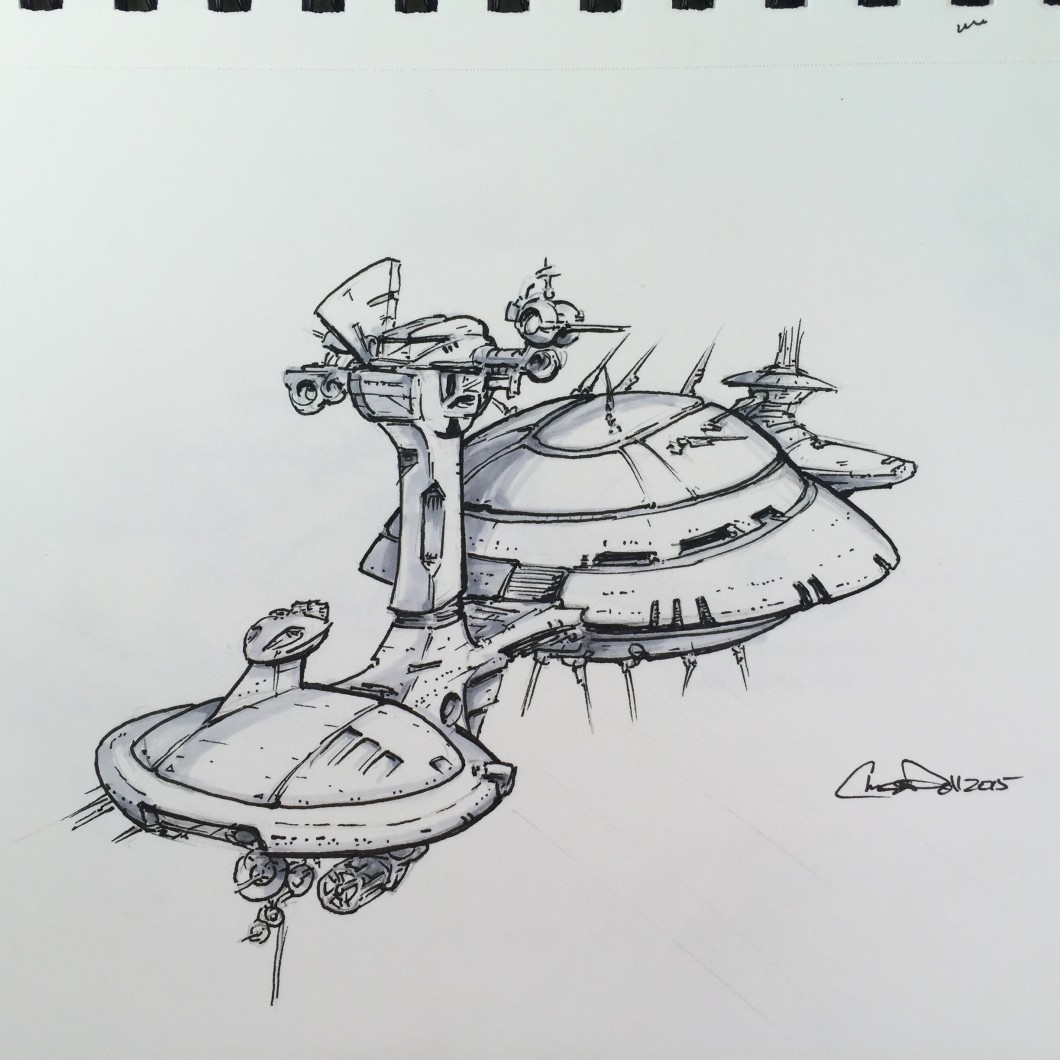
    Recently I discovered the #spaceshipaday Twitter thread started by artist and designer, Jeff Zugale. Jeff was drawing his ships the same way I’ve been drawing my own, pens and design markers in a 5.5″ x 8″ ring-bound sketchbook. Each sketch has a 45 minute time limit. His posts garnered so much attention they were featured on Kotaku.

    Drawing Spaceships

    I’ve been drawing spaceships like this my entire life. My notebooks and sketchbooks are full of them. It used to drive my teachers nuts whenever they’d grade my papers only to see them surrounding by little spaceships and science fiction scenes.

    Chris was always drawing little spaceships all over the place. ALWAYS. It’d be annoying if he wasn’t so damn good about it…
    – (Annoyed Co-Worker, name withheld)

    Drawing is one of the reasons I pursued a degree in Industrial Design, which amped up my ability to draw these scenes with better tools. To this day my notebooks appear to be written in an alien, heiroglyphic language composed of spacecraft and scenes. But I never really shared this with anyone, beyond a few close friends. With nothing to lose, I decided to jump on the #spaceshipaday bandwagon and join in the fun. Thank you, Jeff for starting a cool thread.

    My Spaceship-A-Day Process

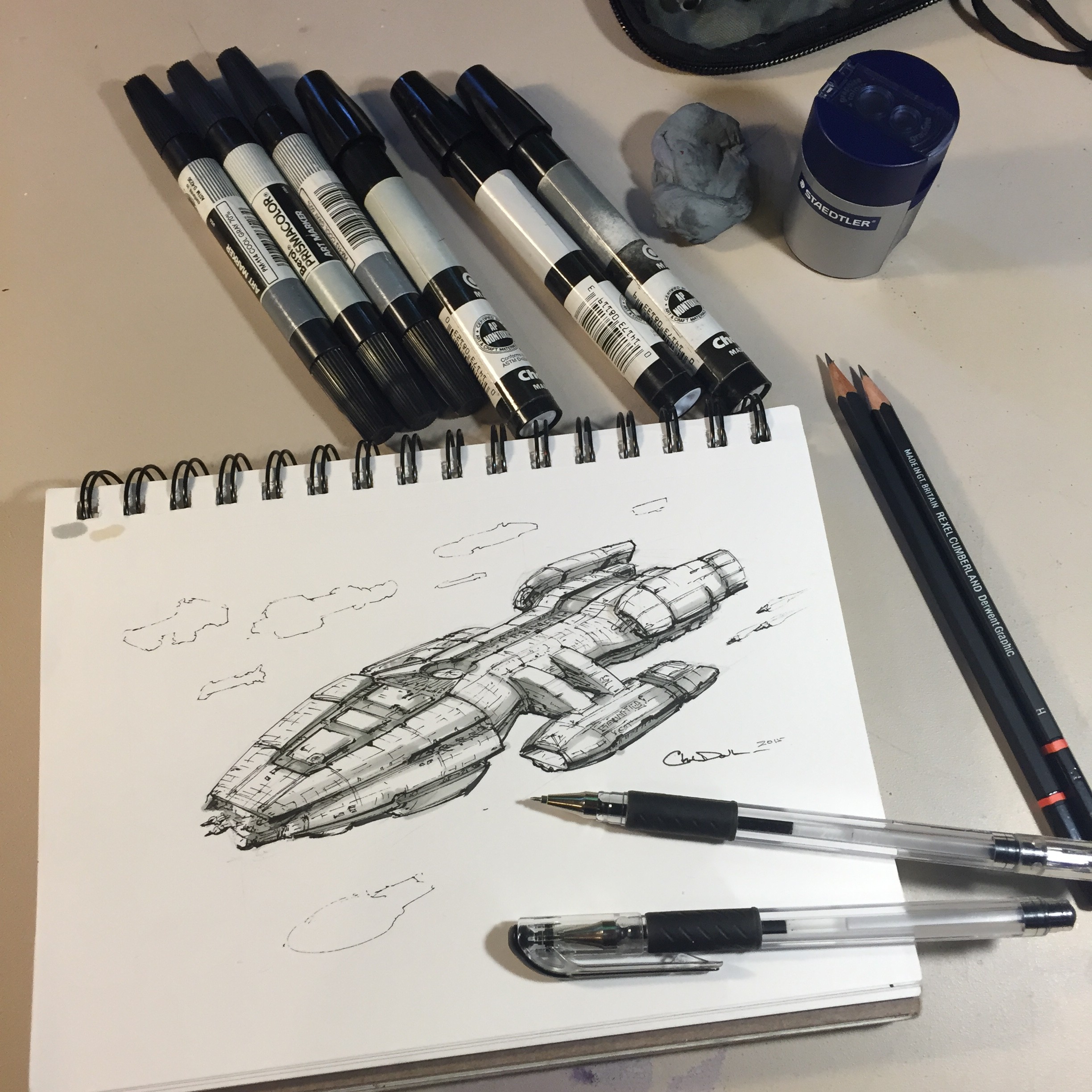
    Like Jeff I’ve kept my sketches to a 45 minute time-limit, but I’ll admit some of mine have run to 60 minutes. Sometimes I draw in the rough shape with 2H pencil, then go over it with several fine-line ink pens (.03, .06, .01 sometimes). Next, a couple of shading passes with light gray design markers (20%-40%, sometimes 70% for darker details). If needed I’ve used a brush pen for more painterly ink tones.

    Photo Aug 04, 3 39 15 PM (1)

    I’ll begin posting my own here on my site, but you’re welcome to follow my Twitter account for active updates. And let me know in the comments if you’d like to see a video of the process.

    Adding Color

    For some of my drawings, I’ve taken them into Procreate on my iPad so I can add some color. Again I try to keep this to a 60 minute time limit, as the goal is to have a colored sketch or mood board view of the spaceship. Later on I will take some selections and do a fully rendered final piece.

    This is also an exploration in tools, like in this case where I tried out a portable water-color set.

    Photo Aug 07, 5 17 16 PM

    My Spaceship in Lego

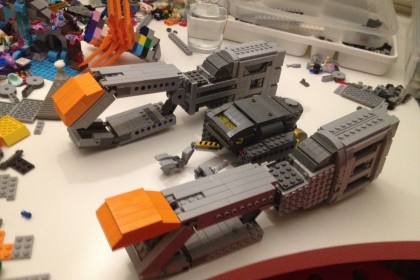
    Daniel Fortine, a fellow UX Designer and friend of mine, is very skilled in the brick arts. He really liked one of my drawings, and he’s gone ahead and started building it in LEGO:

    20052704743_b5a6f7bedc_k

    He is part of a group pool over at Flickr, with a lot of really great ship designs. Good luck Daniel!

    The End-Goal

    These drawings are part of a long-term strategy I’ve been following. For the last three years I’ve been practicing the necessary skills to be a professional artist, specializing in space, astronomy and science fiction art. Mostly it’s been an exploration of tools, media, and processes (including both digital and traditional methods). I’m also beginning to gain exposure as an artist, so I guess to some degree it’s just me sharing some cool spaceships with the world and saying “Hi, I can do this”. Granted if you’re the sort of person who needs a spaceship design, feel free to reach out.

  • Book Cover – The Long Way to a Small Angry Planet

    Book Cover – The Long Way to a Small Angry Planet

    Author Becky Chambers is preparing to release her first Science Fiction novel, The Long Way to a Small Angry Planet. Becky contacted me Spring of 2014, looking for cover art for her book and the finished cover is finally revealed.

    (more…)
  • Under the Influence of artists Chris Foss and John Harris

    Under the Influence of artists Chris Foss and John Harris

    Recently I purchased The Definitive SF Works of Chris Foss, and Beyond The Horizon – The Art of John Harris. Both are amazing collections of science fiction imagery by masters of the art. Their work has been seen on many books, influenced movies (Chris Foss had a direct hand in ALIEN, Jodorowsky’s DUNE, among many others). Like John Berkey, their images left an indelible impression on my mind. (more…)

  • More Sketches from The Expanse

    More Sketches from The Expanse

    For the record, I am not affiliated in any way with SyFy Channel’s production of The Expanse series. These are merely my own sketches which I made while reading James S.A. Corey’s The Expanse series. Beginning with Leviathan Wakes, I was impressed with the depth of thought that went into building out their vision of the solar system. I kept my sketchbook nearby while I was reading these books, and previously I posted one that I finished off with Photoshop of the Rocinante. (more…)

  • Digital Sketch – The Rocinante at IO

    Digital Sketch – The Rocinante at IO

    I’m going to begin sharing some of my process, starting with an exercise from last Friday. I’ve recently taken on a book cover commission and wanted to explore a digital approach to the final piece.

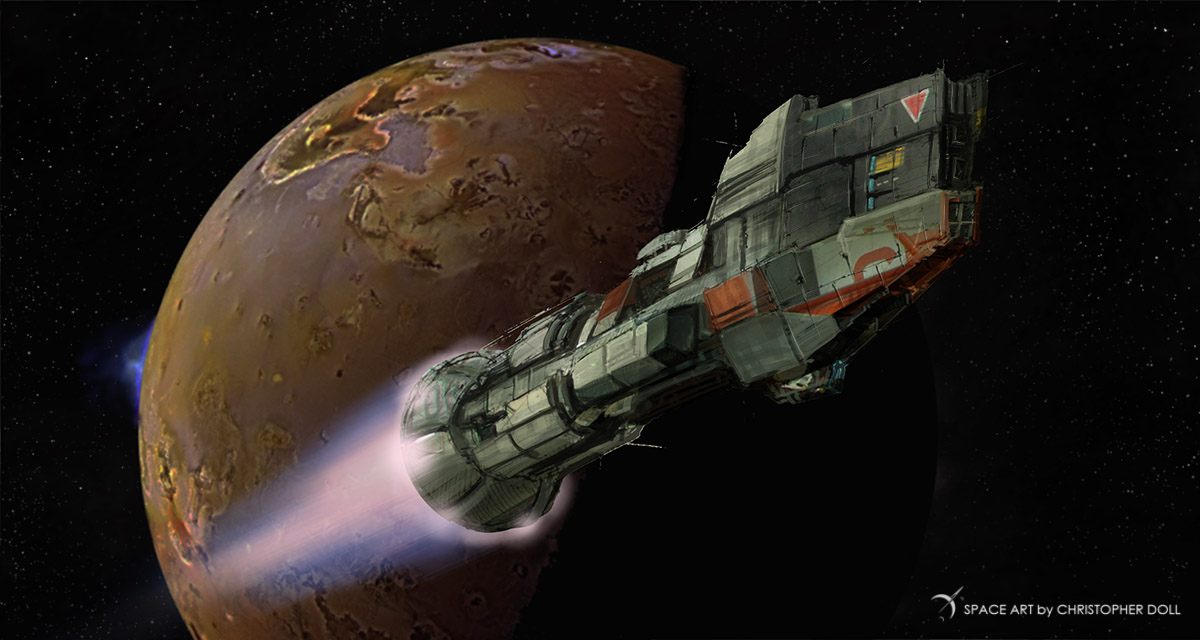
    This scene depicts a spaceship, the Rocinante, descending towards the Jupiter moon IO from the James S A Corey book Caliban’s War. It’s a wonderful series of science fiction books called The Expanse, and I found myself inspired by the spacecraft and scenes in these stories.
    It’s also given me a great platform to stretch out my digital painting skills. But first I started out with my sketchbook.

    RocinanteSketch

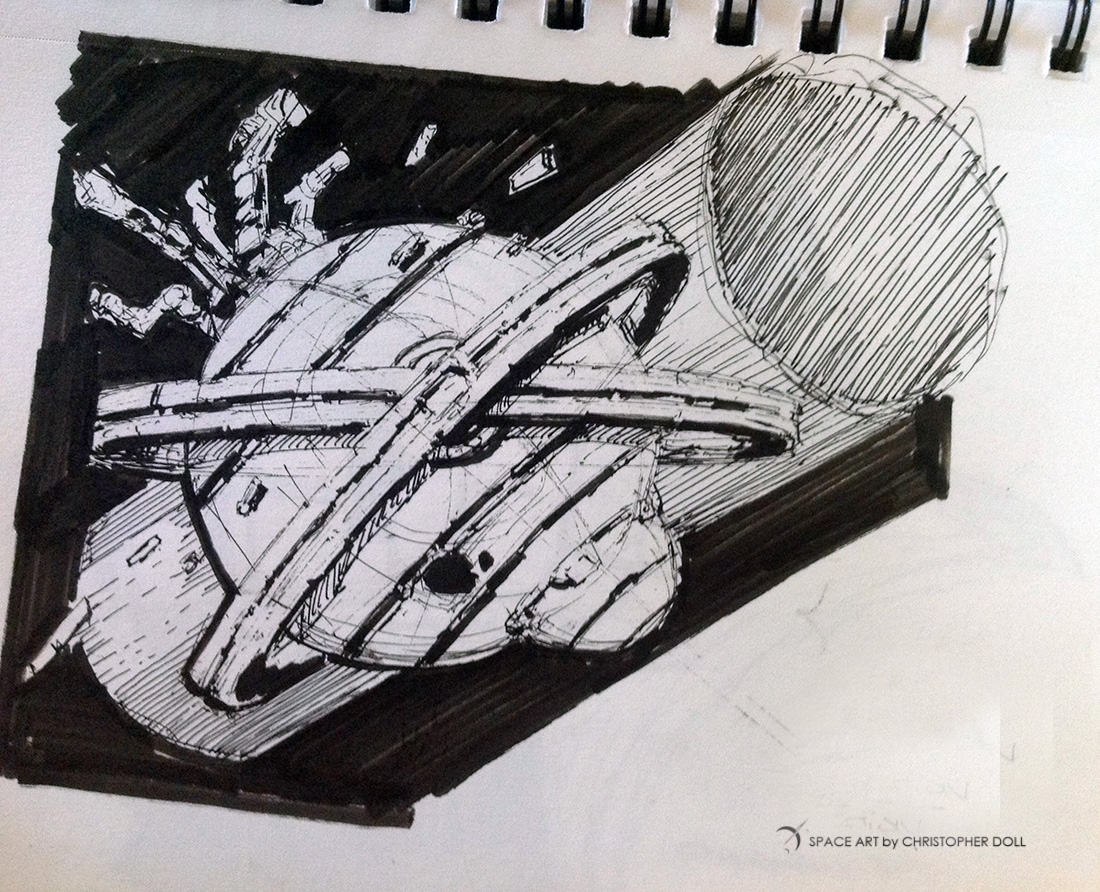
    I keep a sketchbook handy at all times, and this is typical of the kinds of ships I tend to draw. A sketch like this takes about ten to fifteen minutes, starting with a thin ink line drawing, followed by heavier strokes and shadows with a brush pen. This is from a very small, portable sketchbook that I carry with me – 8.5″ x 5.5″

    I took the scan directly to Photoshop, cleaning up the sketch just a bit, and setting it against a found image of the moon IO.

    Rocinante_Pshop1

    Several photos of an SR-71 Blackbird that I took at the Boeing Museum of Flight provided the source textures for the spacecraft, and I hand painted in more details, highlights, etc.

    RocinanteSketch_Pshop2

    My goal for this kind of exercise is to quickly build an exciting image from one of my sketches. Were this to be a final piece for a book cover or a print, I would spend a lot more time correcting some of the perspective issues. But I like the raw look, given that it’s started as a small sketch.

    Rocinante_Io

    Total time spent on this project is about four hours, with about half of it devoted to brush settings and other experiments I needed to explore for this resolution and process.

  • Lightships

    Lightships

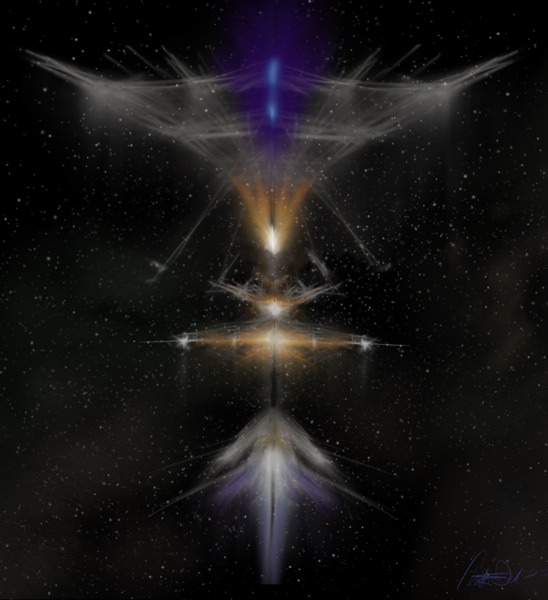
    I regularly follow Centauri Dreams, a great blog on the future of interstellar travel, and one of the more compelling technologies makes a recurring appearance – Bussard Ramjets. Think of these as jet engines that take in hydrogen with enormous electromagnetic collectors, feeding a fusion engine. They can’t break the speed of light, but they’re fast enough to being humans to the stars. Eventually.

    These ships are enormous. From a distance you would mostly see the side effects of this exotic drive – glowing fields and hot plasma. In my mind these starships would resemble cathedrals set against a tapestry of stars.

  • Arrakis and the Seven Sisters

    Arrakis and the Seven Sisters

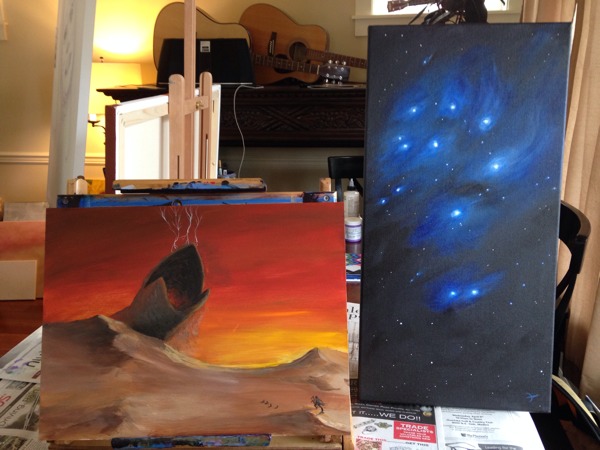
    Today’s painting with my good friend, Justin from The Drunken Easel. Neither of us were feeling the muse, but we pressed on anyway.

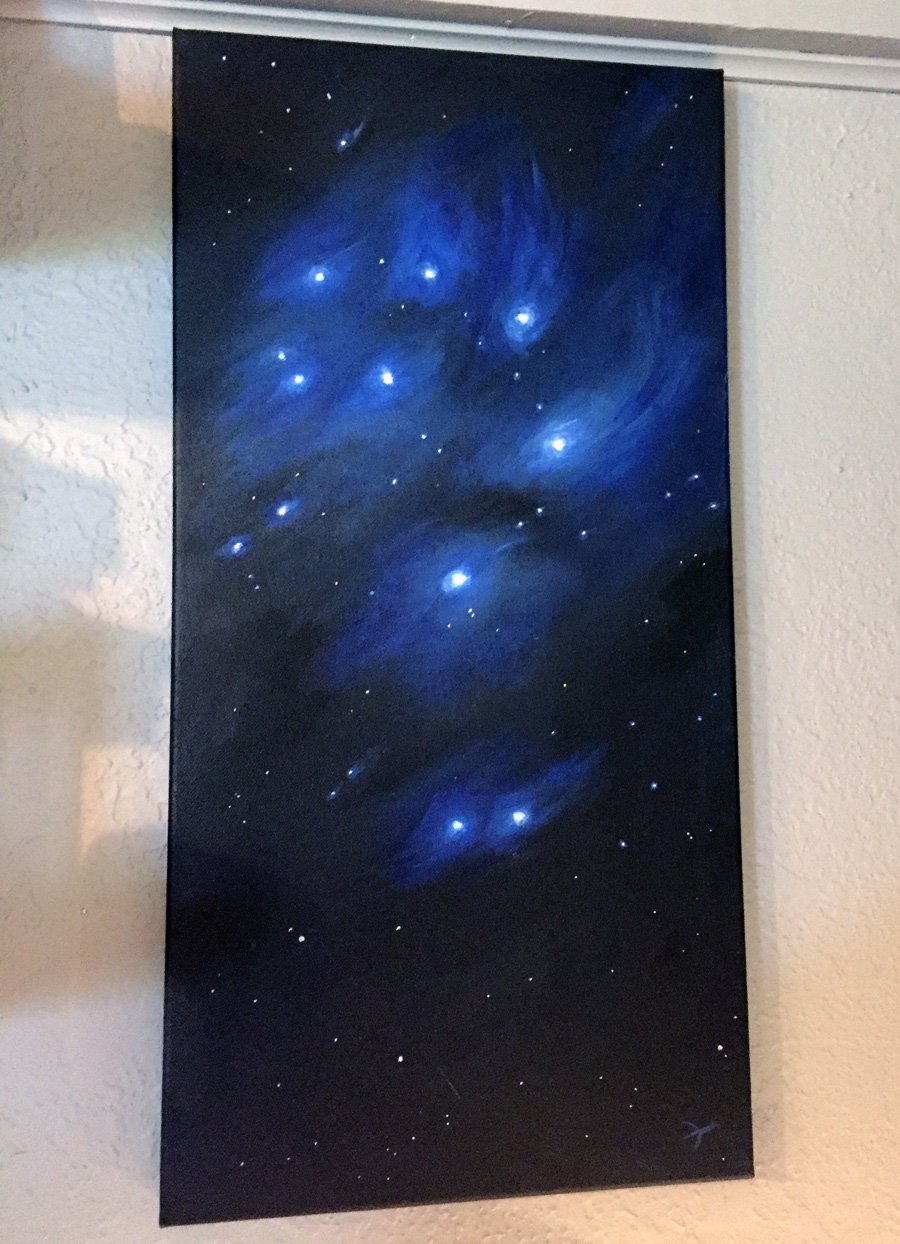
    I finished off a painting I started earlier of the Pleiades, aka The Seven Sisters. It’s a brilliant gem of a star cluster that’s prominent from Fall to Winter here in the northern latitudes.

    The Pleiades, on the wall

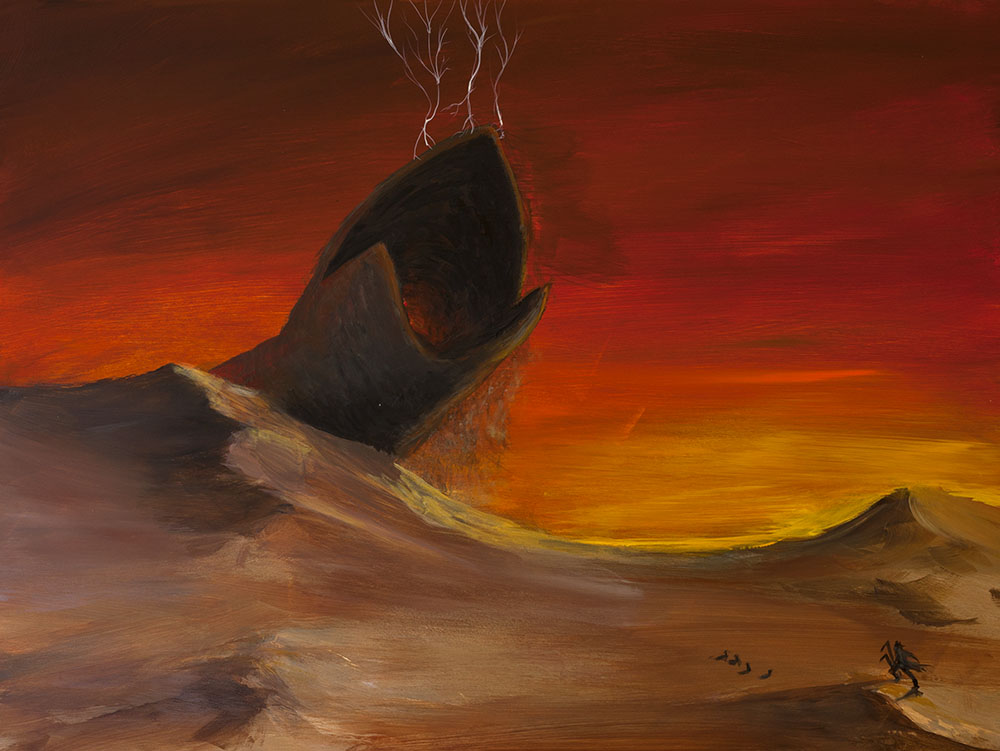
    My second painting was a bit of a struggle. I was trying out a primed board that was way too smooth for my acrylic paint. But I pressed on and ended up with a reasonably decent depiction of a sandworm from DUNE, my favorite book of all time. The color tones match those used by Vincent DiFate for his book cover illustrations in the late 1970’s.

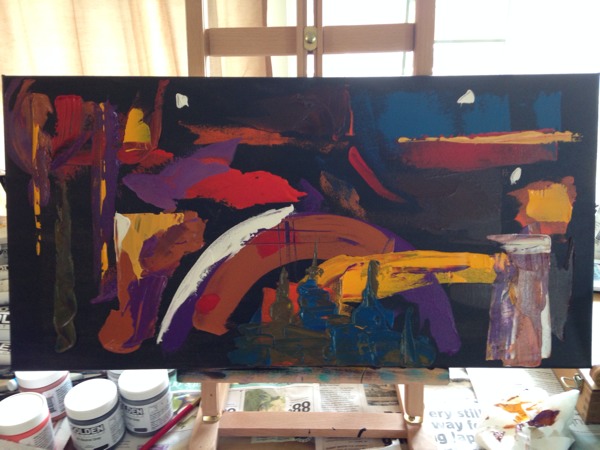
    Justin turned out a really great abstract piece:

    It’s important to press on, even if you’re not in the mood.

  • Digital Sketches

    Digital Sketches

    While clearing off some space on my iPad, I found a bunch of sketches that I’ve never posted. When I sit down to paint, I always warm up with some sketches. Doesn’t matter if I’m working in a digital format or traditional media. The warm up helps me get into the groove.

    Sometimes these sketches take on a life of their own and become finished pieces. Other times I just lost interest or the idea didn’t quite gel the way I wanted. And some of these were merely an exercise to try out a style or trick. As I look back over the last year, I’ve probably spent too much time in the quick sketch stage but it’s helped me knock off the rough corners here and there.

    So here’s a gallery of quick studies to enjoy:

    Sketch Gallery

  • Book Cover Art

    Book Cover Art

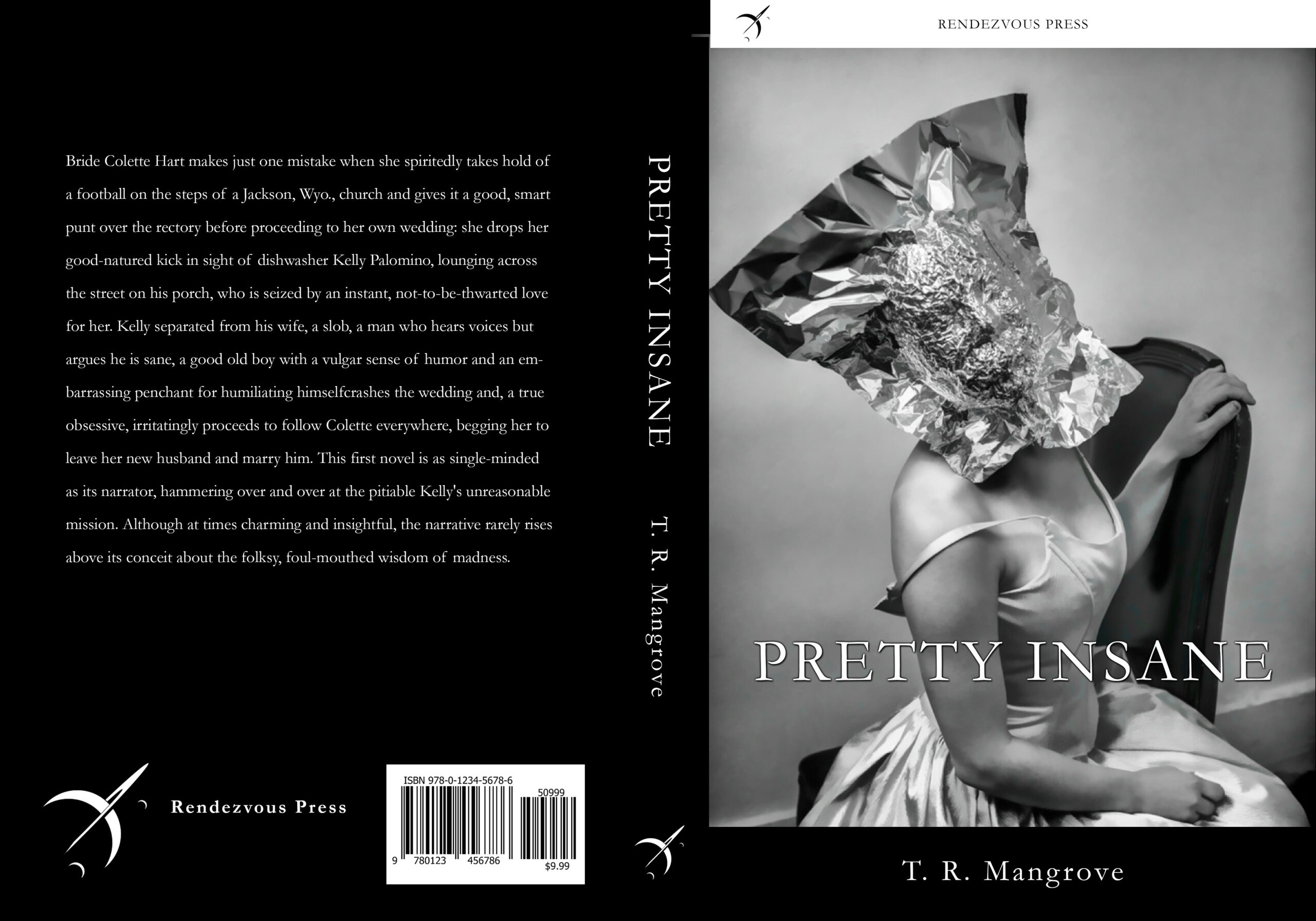
    In conjunction with my good friend Andrew McDonald, a talented photographer and all-around creative individual, I’ve put together a few samples of cover art for books. These could be used for printed or electronic books, and can be formatted to fit a variety of sizes. Enjoy, and check out more of Andrew’s photography on his site!

    Cover Art with Photos by Andrew McDonald


    Cover Art – Christopher Doll

    And here are a few using my own Space & Science Fiction art:

  • Spaceship Speed Sketch

    Spaceship Speed Sketch

    SpeedSketech_Spacecraft

    Felt like a spacecraft sketch tonight.

    Drawn with Photoshop CC and a Wacom Intuos 3 tablet

  • Painting on Canvas

    Painting on Canvas

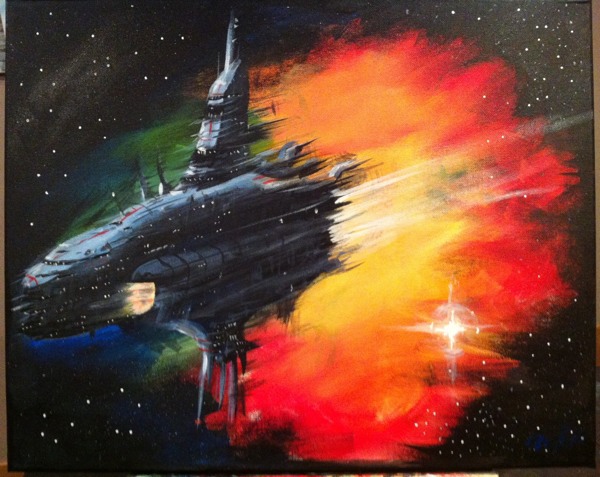
    For the first time in many years I painted on canvas, with real brushes and paint – as opposed to the digital painting that’s consumed me for the last year. My wife Stephanie and I visited The Drunken Easel, a local tavern that combines a painting class with fine, local wine and beer. It was just the two if us, and the owners Justin and Janell, which made for a relaxing evening.

    After introductions, and a couple of glasses of wine, we set up to paint. Stephanie worked with Janelle on a wonderful tree with blossoms, while I took advantage of the art supplies to paint a space scene. Justin was a good sport and worked along with the space scene on his easel.

    I didn’t know if I’d remember my paint skills. Scale model building requires a lot of painting, usually with a airbrush, and it’s not quite the same as painting an picture. But once I had the brushes moving it all came back quickly. Like riding a bicycle, you really never forget.

    Stephanie is no slouch either, we met in an art class back in college. I’m thrilled to have spent date night surrounded by paint.

    To be honest, I rather surprised myself with what materialized by the end of the evening. It felt natural, comfortable, and exciting to work up the picture. Even without the crutch of an unlimited undo, and other niceties offered by digital painting, I found the whole experience rewarding.

    All in all, it was a wonderful evening, and a great chance to meet some new friends. We’re looking forward to coming back again. As for my own artistic journey, my next chapter begins with sorting out which of the paint tubes and supplies are still viable after years of storage, and picking up what I need to proceed with more of these.

  • Drawing and Painting on an iPad3

    Drawing and Painting on an iPad3

    I recently received an iPad3, a thoughtful and quite surprising birthday gift from my lovely wife Stephanie and our daughters Allison and Jessica. That I’ve not yet owned a tablet of any flavor has more to do with shrinking gadgetry budgets, not from a lack of interest.

    I’d convinced myself that drawing on an iPad wouldn’t be nearly as rewarding or effective as the wonderful (yet very expensive) Wacom Cintiq line, which I also have not tried out. How wrong was I? Wrong enough to wonder out loud “why didn’t I get one of these sooner?”

    I quickly tried out a few of the more popular drawing apps, settling on SketchbookPro and Procreate. Both are powerful enough to let me cut loose with some speed paintings, which allow me to learn the tools quickly while not getting bogged down in fine details that would otherwise derail my efforts.

    The trick to drawing with a tablet is to find a good stylus, a pen designed to work with the capacitive touch screen. None of these provide nearly the level of control or performance of a decent Wacom tablet of any flavor, but many give you more than enough control to have a lot of fun. And to have such tools in a small, comfortable form-factor like a tablet makes for a highly convenient art studio at your fingertips.

    Luckily for me, I work with a group of User Experience Designers who have already tried out a number of stylii for these tablets. Most feel like you’re drawing with an eraser, although it’s much better (in my opinion) than trying to paint with your fingertips. We’ve had fun trying them all out:

    So far, I’ve rather liked the Wacom Bamboo stylus, although the spongy rubber tip means that you really cannot be bothered knowing exactly where your marks will land on the screen. Sure, it will be within the 1/4″ or so area that the tip covers, depending on the angle. I find these are best for loose, impressionist styles.

    The Adonit Jot line takes a different approach, giving you a clear disc on the end of the pen. You can see much more of your drawing contact point, making it a far better tool for precise drawing.

    In both cases, the more traditional pen-sized stylii work better for drawing than the smaller, more portable ones. Next I will be trying one of the new, pressure-sensitive Pogo Connect Stylii but the price is making me hold off while I spend more time with the Bamboo and Jot.

    Drawing and Illustrating on a tablet isn’t perfect, but I’m finding that it’s pushing my learning curve in a good way. I’ve set myself a series of goals, starting with “once good speed painting a day”, meaning something I’m willing to share. I spend between 20 and 90 minutes on any one of these, with some turning out better than others. Already I’ve noticed a tendency to stick with similar color tones and patterns, as well as drawing tools provided by the apps. I don’t mind so much that the theme remains science fiction / astronomy related for now, I’ll be tackling other subjects once I detect that I’m slowing down.

    Speed Sketch – some spacecraft

    I’m even happy with flat-out copying artwork that I’ve enjoyed – like the image above, which was painted using the cover of the book SPACE ART by Starlog Press (old, old book). I’ve always enjoyed the book’s Saturn painting, and needed a break from blue-tones (didn’t get away from them entirely, but it was a good way to learn some new tricks).

    For now I’m sticking with these sketch-level paintings, and having fun with the process. But I’m feeling the need to tackle some of the pieces I’ve listed for the next level – something I’d be happy to print and/or sell.

    * UPDATED – I’m finding that I turn to SketchbookPro with the Adonit Jot Pro Stylus for more technical illustrations, and Procreate with the Wacom Bamboo for free-form illustrations. For both the apps, and the pens, each seems suited to a specific role, meaning I’ll be toting both along for a while.