Tag: “concept art”

  • Speed Sketches In Photoshop

    Speed Sketches In Photoshop

    Speed sketching with your tools is a great way to get your pen moving, and your drawing mind working. You can speed sketch in traditional media or digital, both are�a great way to warm up, or to shake things out in between projects. Speed sketches�force you to make decisions quickly and with less deliberation than a full-blown piece.

    Three Versions of Ambush In Orbit
    Three Versions of Ambush In Orbit

    For those of you following my recent posts on Instagram, Twitter, and Facebook, you’ve noticed that I’ve been adding more of these speed sketches recently using Photoshop and my Wacom Intuos Pro tablet. I’ve learned some new brushes that I don’t normally use, like some of the built-in paint brush emulators in Photoshop. Some are okay for my needs, while others better than I’d anticipated. Their angle and flat brushes are great for laying in quick areas of color as I draw these scenes.

    While some speed sketches have turned out better than I’d anticipated, and are themselves almost complete pieces, others haven’t turned out as well as I’d hoped. In this case, I started with the phrase “Ambush In Orbit” and began thinking of some John Berkey-like scenes in my mind.

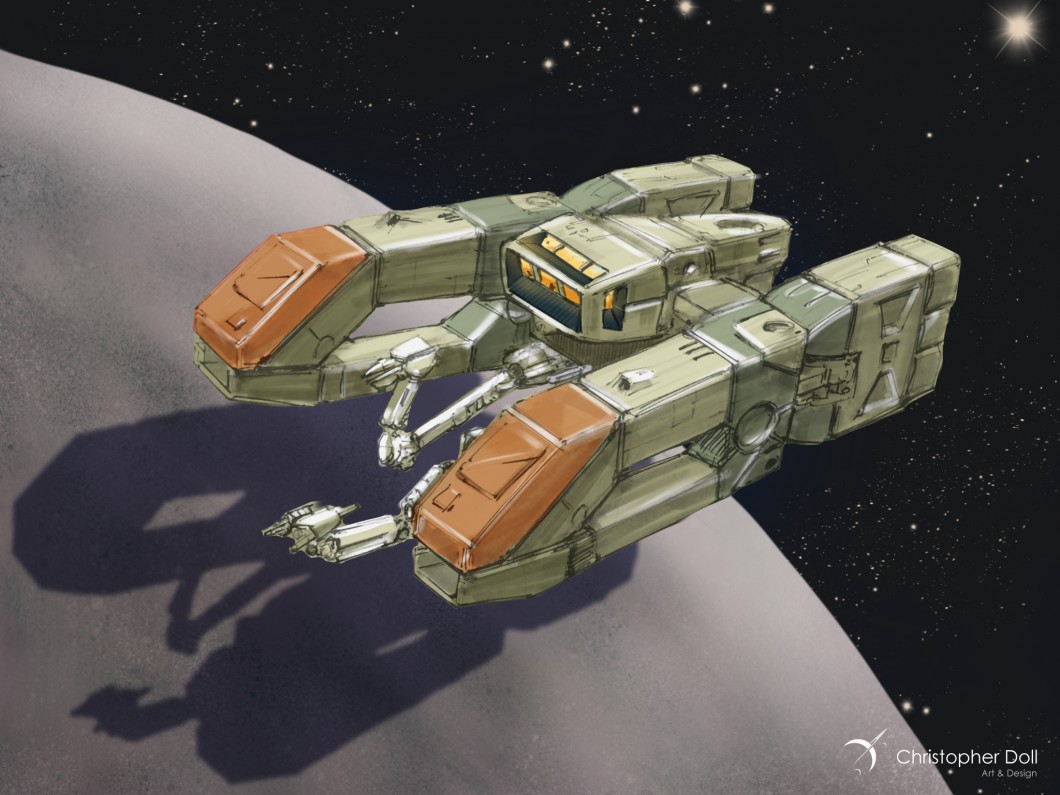
    The planet and background were drawn first, and I spent almost an entire 45 minute session on these alone. I don’t always render the background first, but it helps set the tone of the main subjects. When it came time for the spacecraft, none of them matched what I originally had in my mind so I ended up with three different styles of spacecraft. I stopped near my standard 45 minutes on each of these, and while they are each a bit off from my planned vision,�I’m somewhat happy with them.

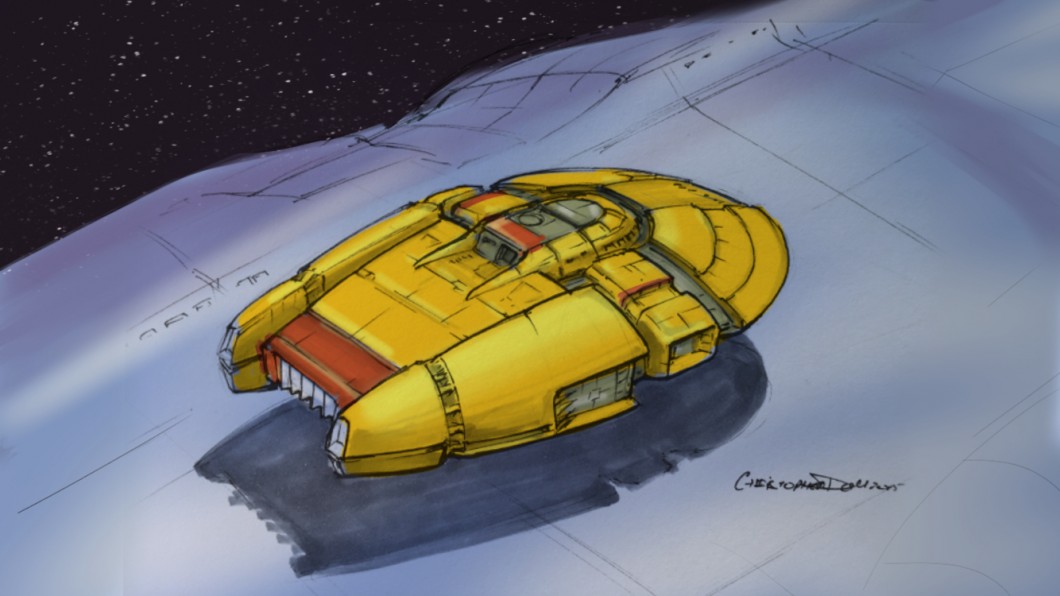
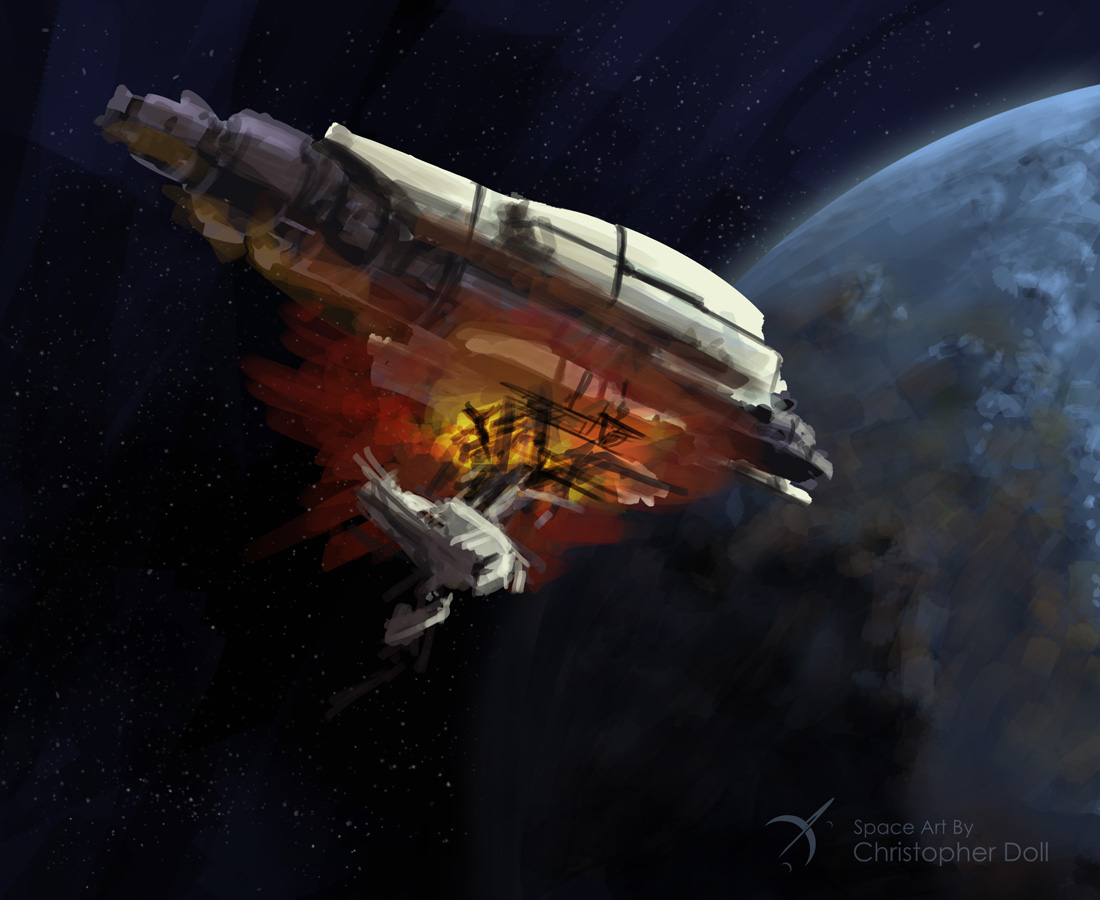
    Ambush In Orbit 1
    Ambush In Orbit 1

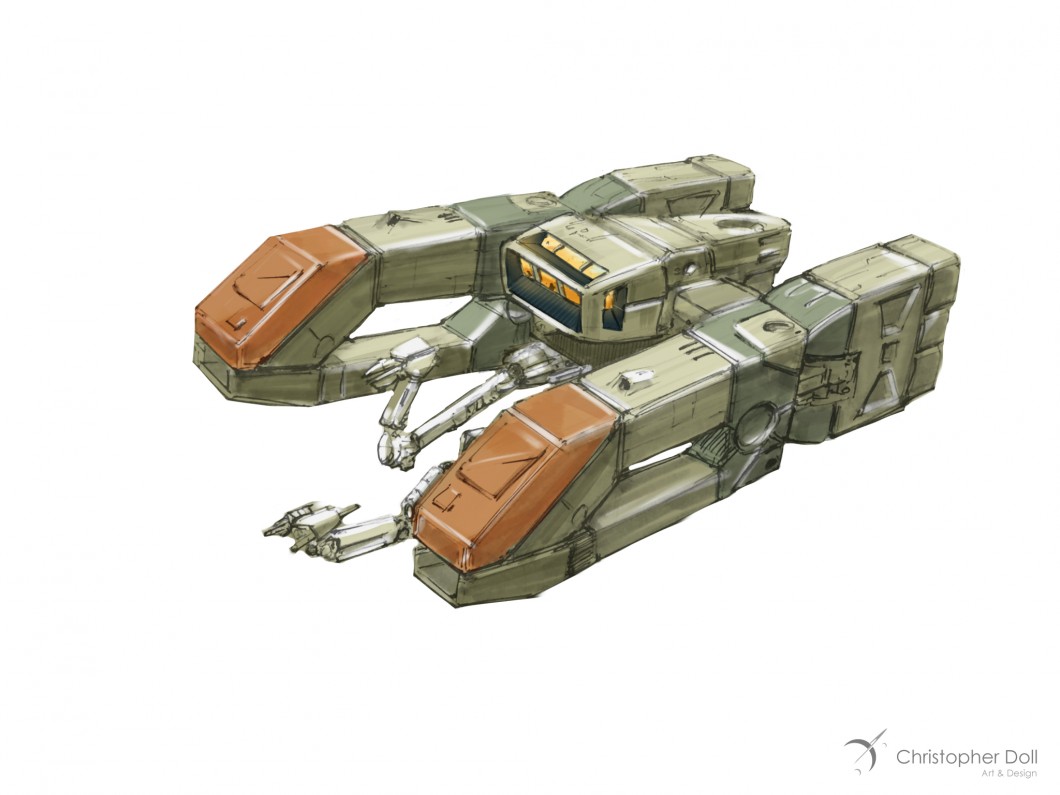
    This first version fell away from�the colors I wanted, with the ship being warmer than I’d intended. If I were to take this on to a finished piece I’d adjust the hue across the layers of the ship.

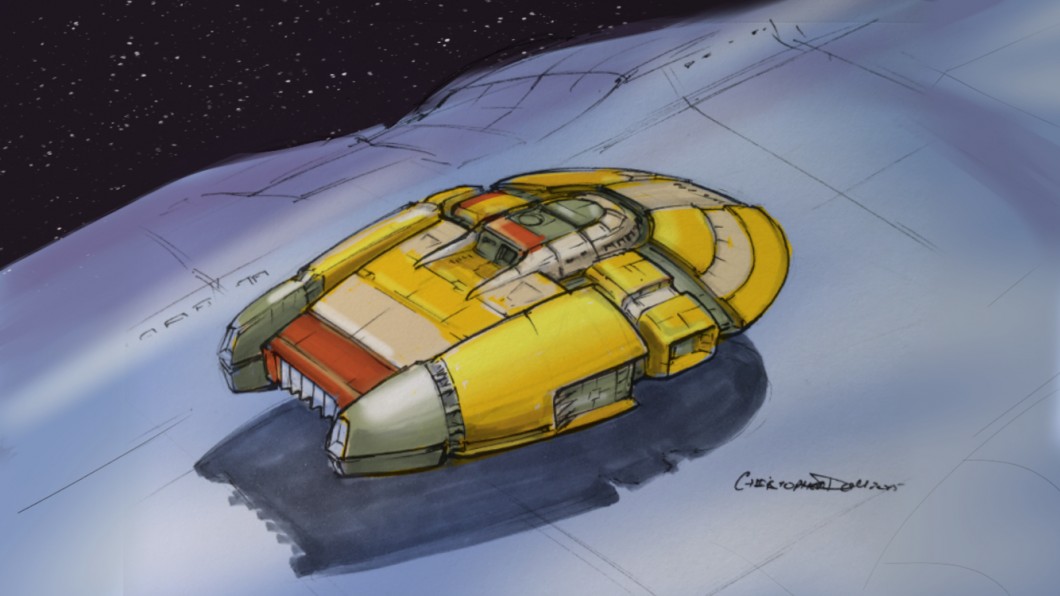
    Ambush In Orbit 2
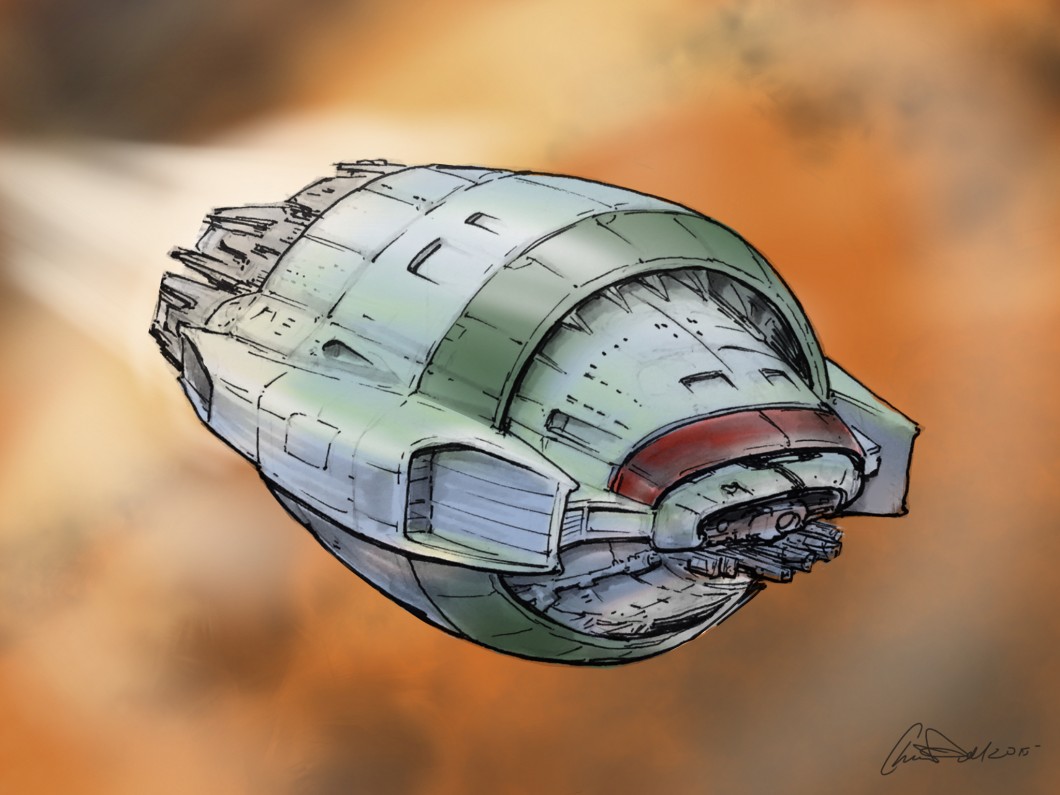
    Ambush In Orbit 2

    The second spacecraft here just gave up on the whole notion of an orbital ambush, but those engines were just too fun to draw. And the Monty Python style helmet was cracking me up. I am still digging the indication of lit rooms, although it looks like a raging forest fire in there.

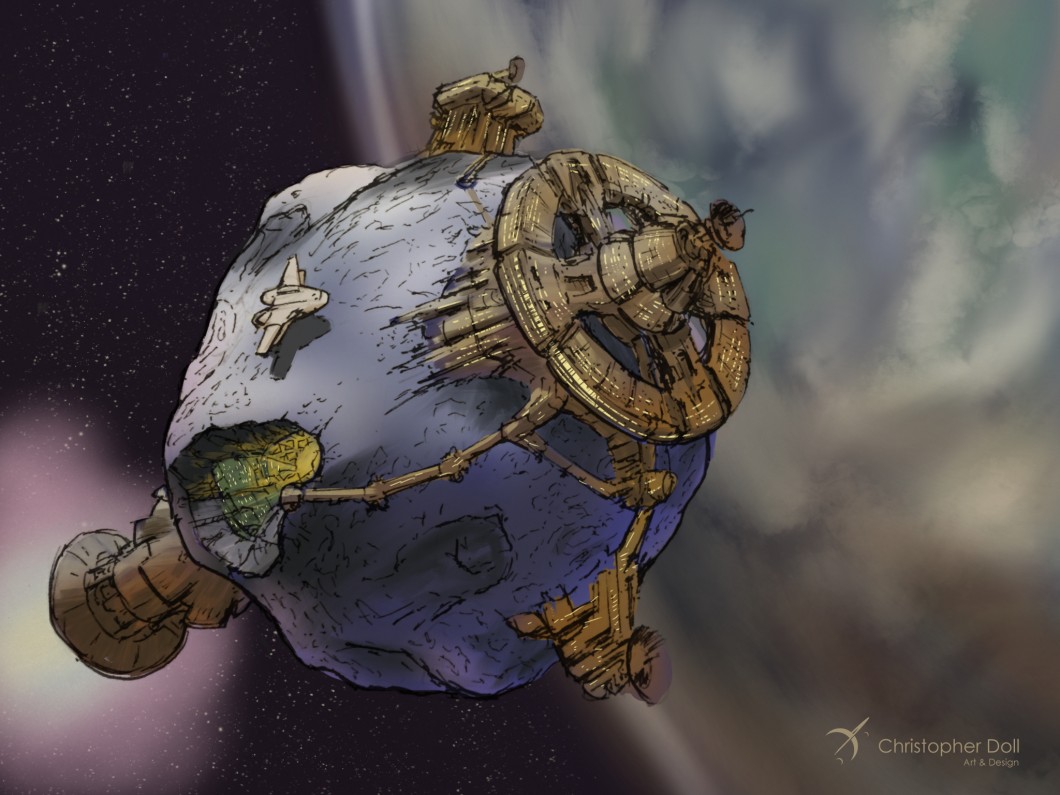
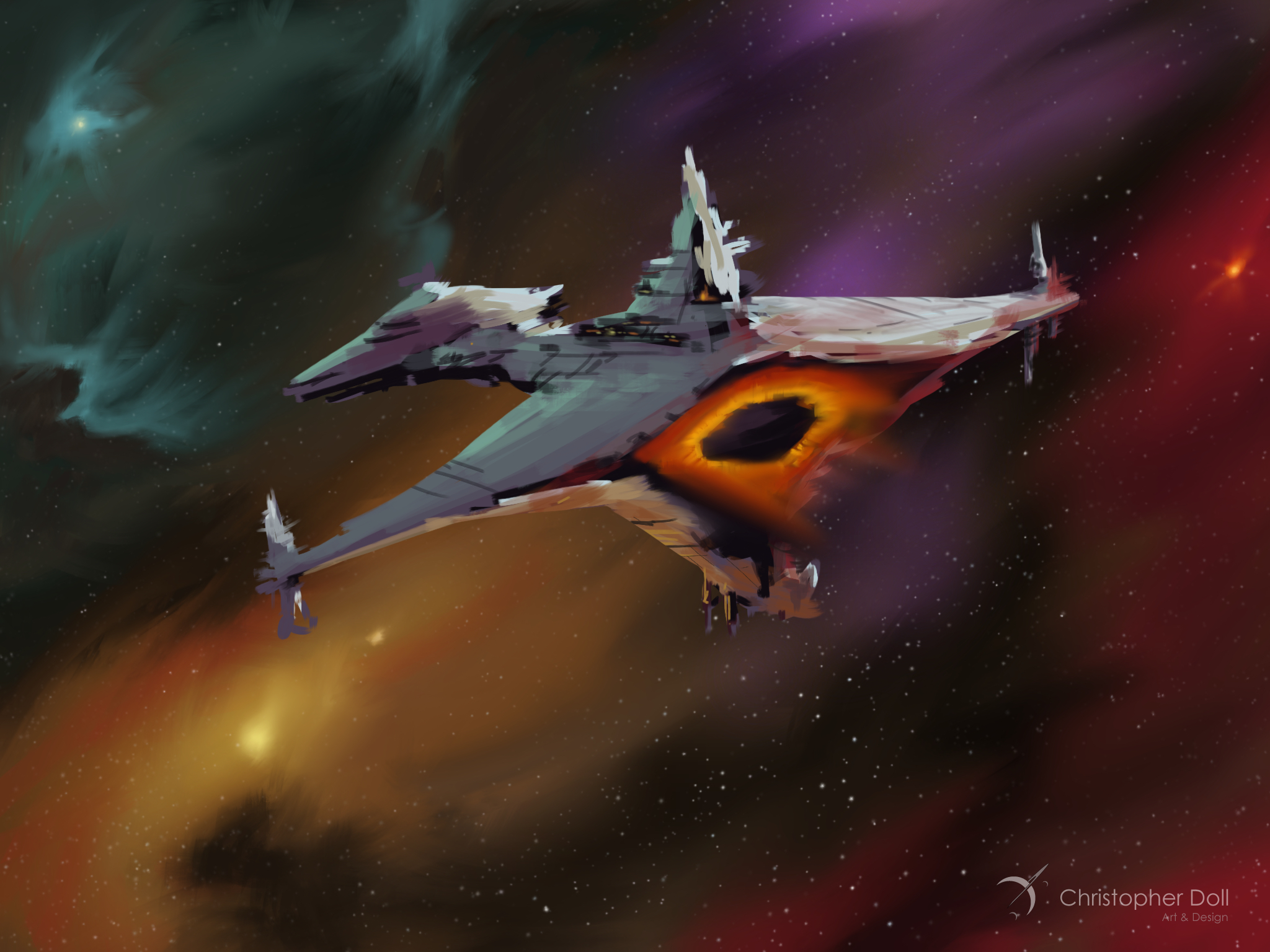
    Ambush In Orbit 3
    Ambush In Orbit 3

    None of the shapes in my third attenpt were working out so I started blocking out detail cuts from the form and throwing in the energetic engine colors. The engine flame layers were set to Color Dodge and duplicated to enhance the effect. Now it looks like a piece of wreckage, in my eyes, and a more fun direction than where I started. Again this would be taken a lot further as far as detailing is concerned.

    That’s a bit of a view on the process, and while sometimes they don’t come out the way you’d like, they’re still fun and good practice.

    About Christopher DolL

    CDoll_Sept2014Christopher Doll is an artist and designer from the greater Seattle area.� He specializes in astronomy, space travel, and science fiction themes. His work has been featured in a number of books, articles, and on the cover of several novels.

    Recently Christopher Doll published Coloring Space 1, the first in a new line of adult coloring books featuring spaceships. Check out the Space Art By Christopher Doll Store for this and other space-related artwork and gifts.

    Space Art By Christopher Doll Store
    Space Art By Christopher Doll Store
  • Speed Painting – Stellar Explorer

    Speed Painting – Stellar Explorer

    One of the benefits of using a great app like Procreate is that it kicks out a video of your entire process. As part of my own skill-building exercise, this particular piece was an exploration in creating form and mood using the light and color from the environment.

    Here’s a compressed 2 minute video showing the drawing from start to finish. Enjoy!

    And here is the final image:

    StellarExplorer_CDoll

  • Drawing Demo – Spaceship A Day

    Drawing Demo – Spaceship A Day

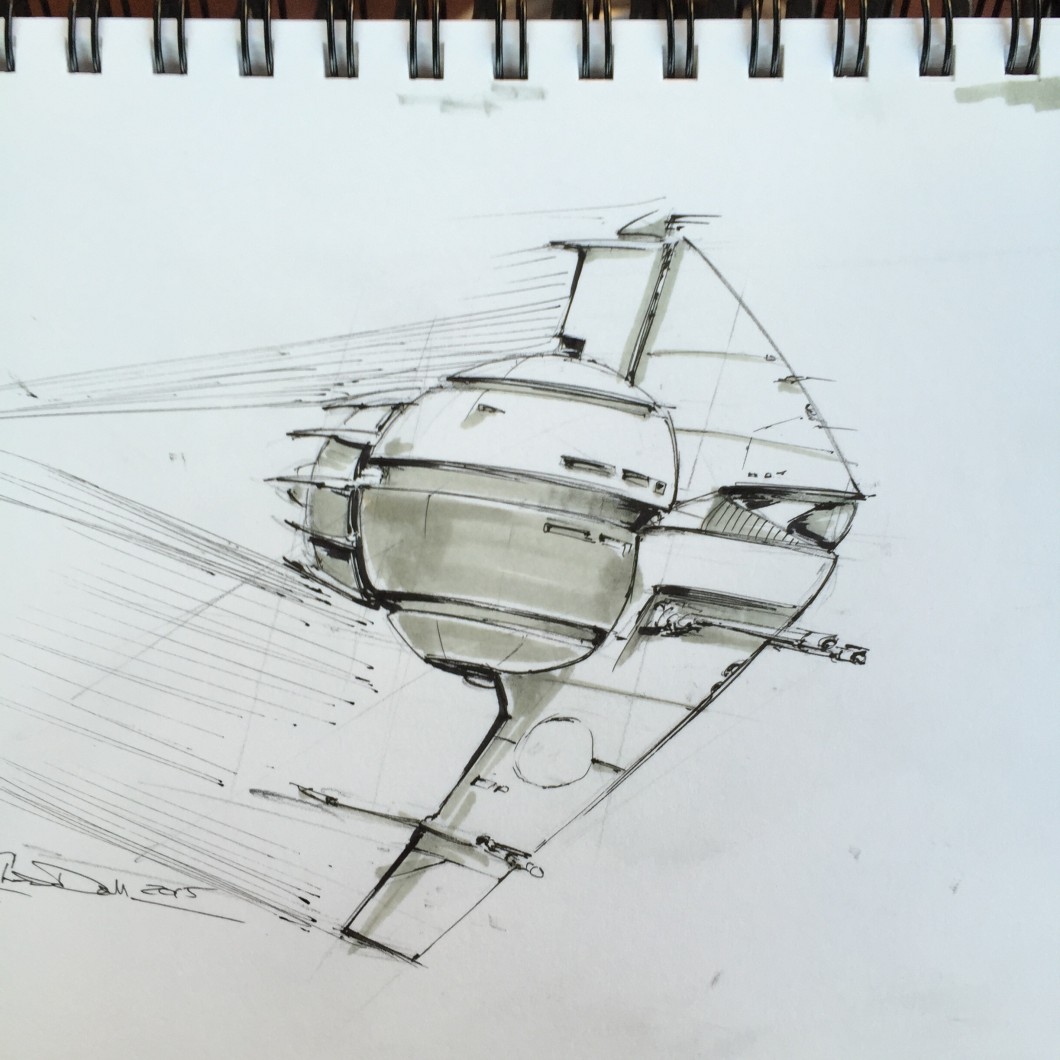
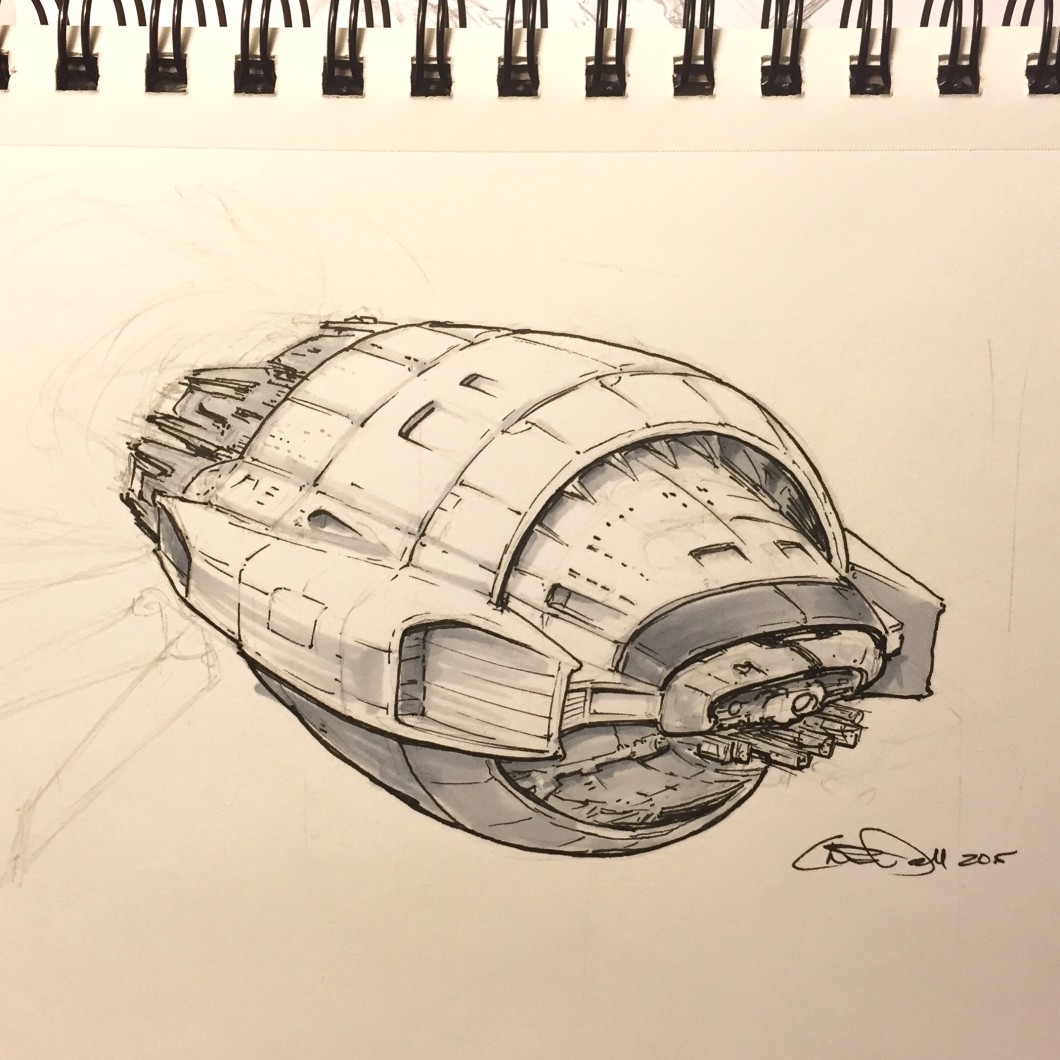
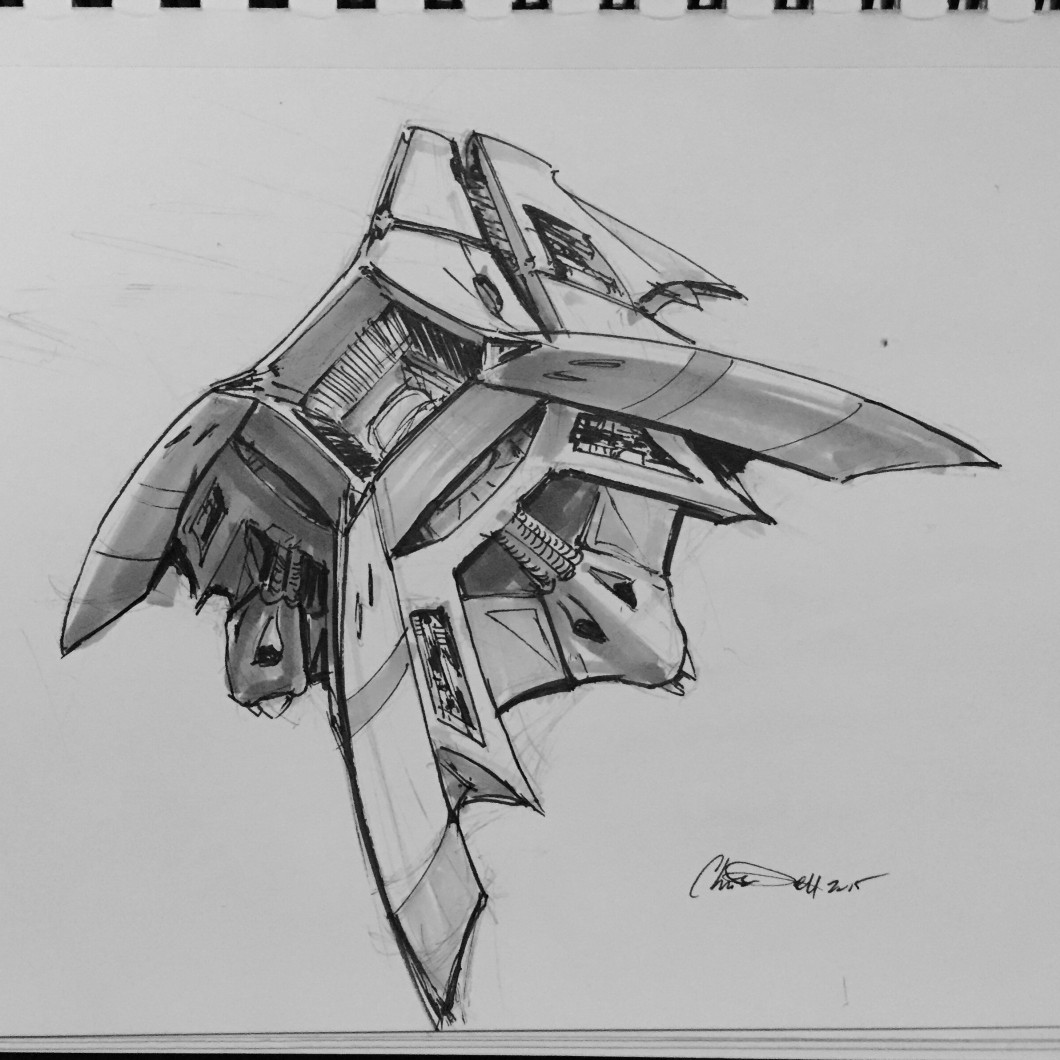
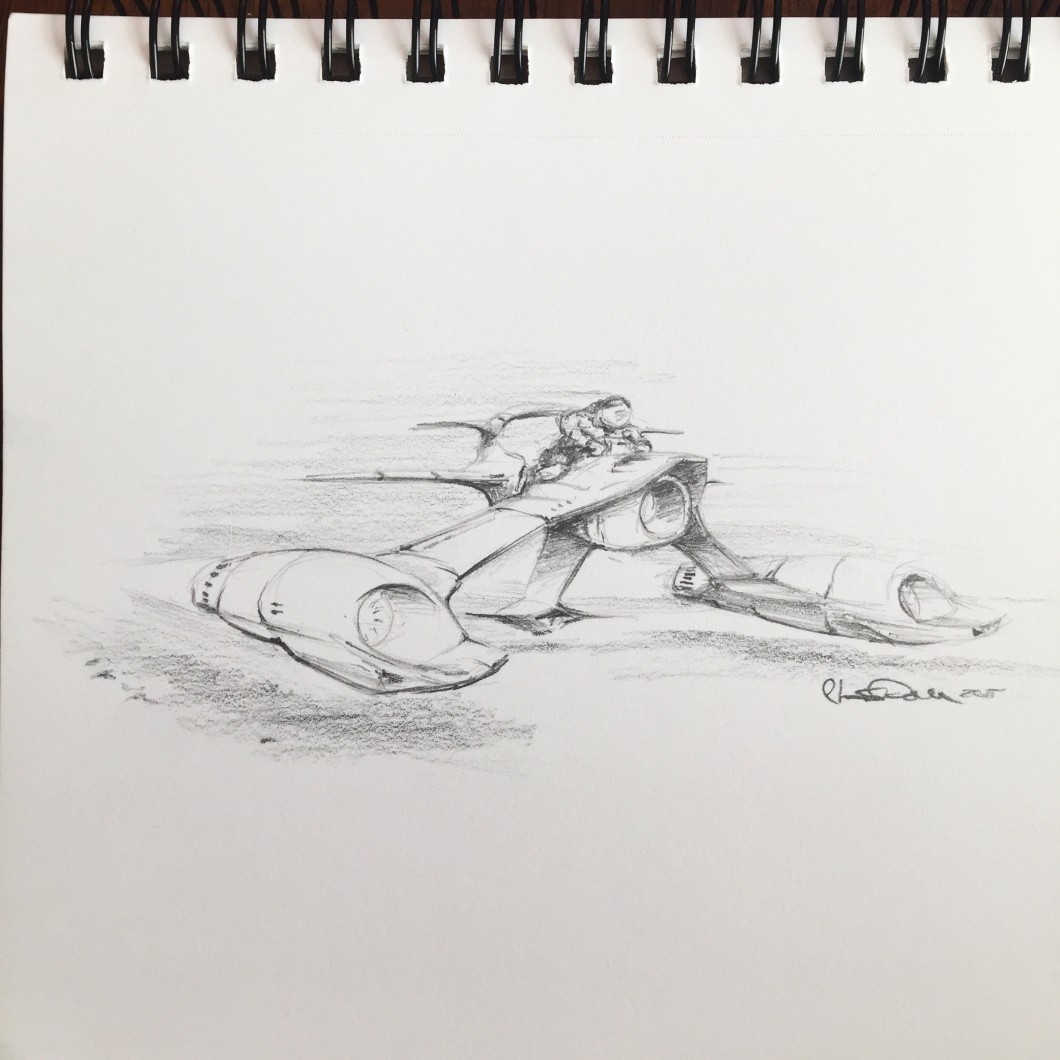
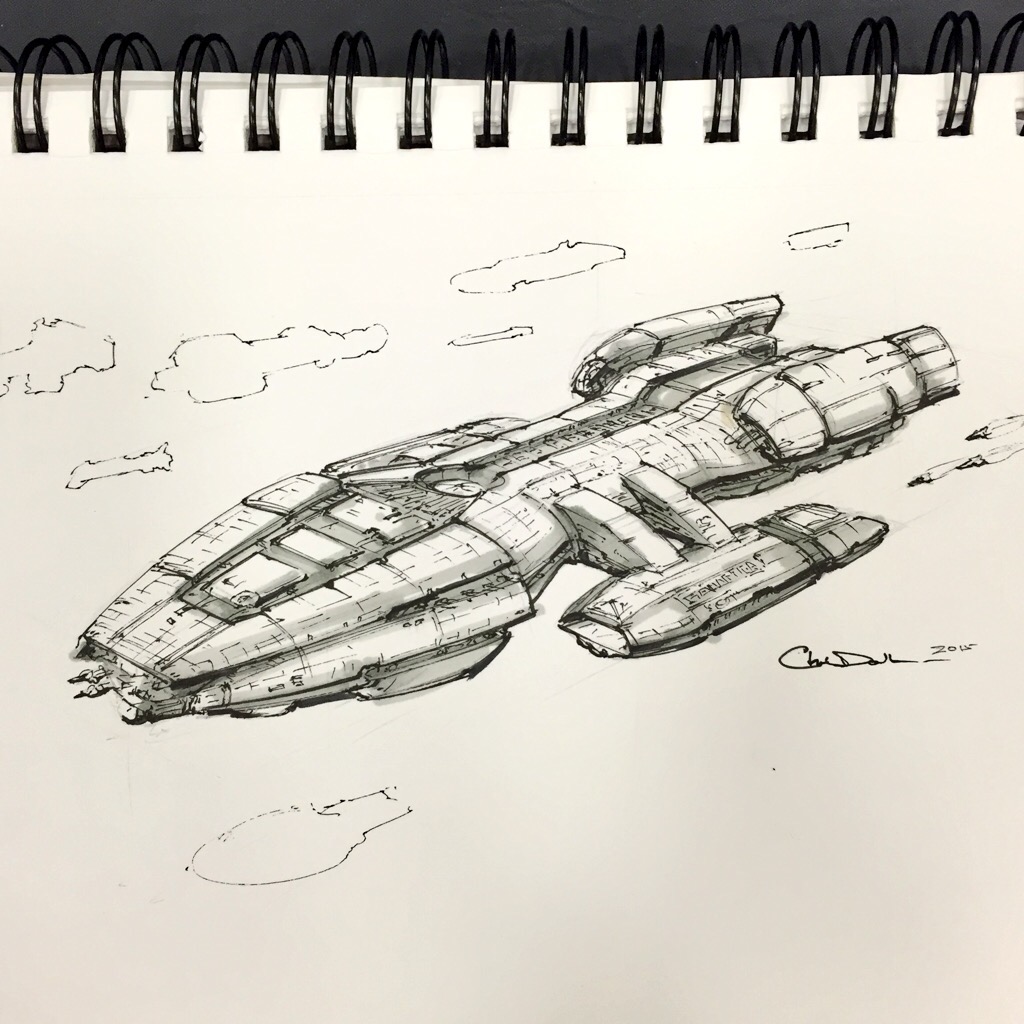
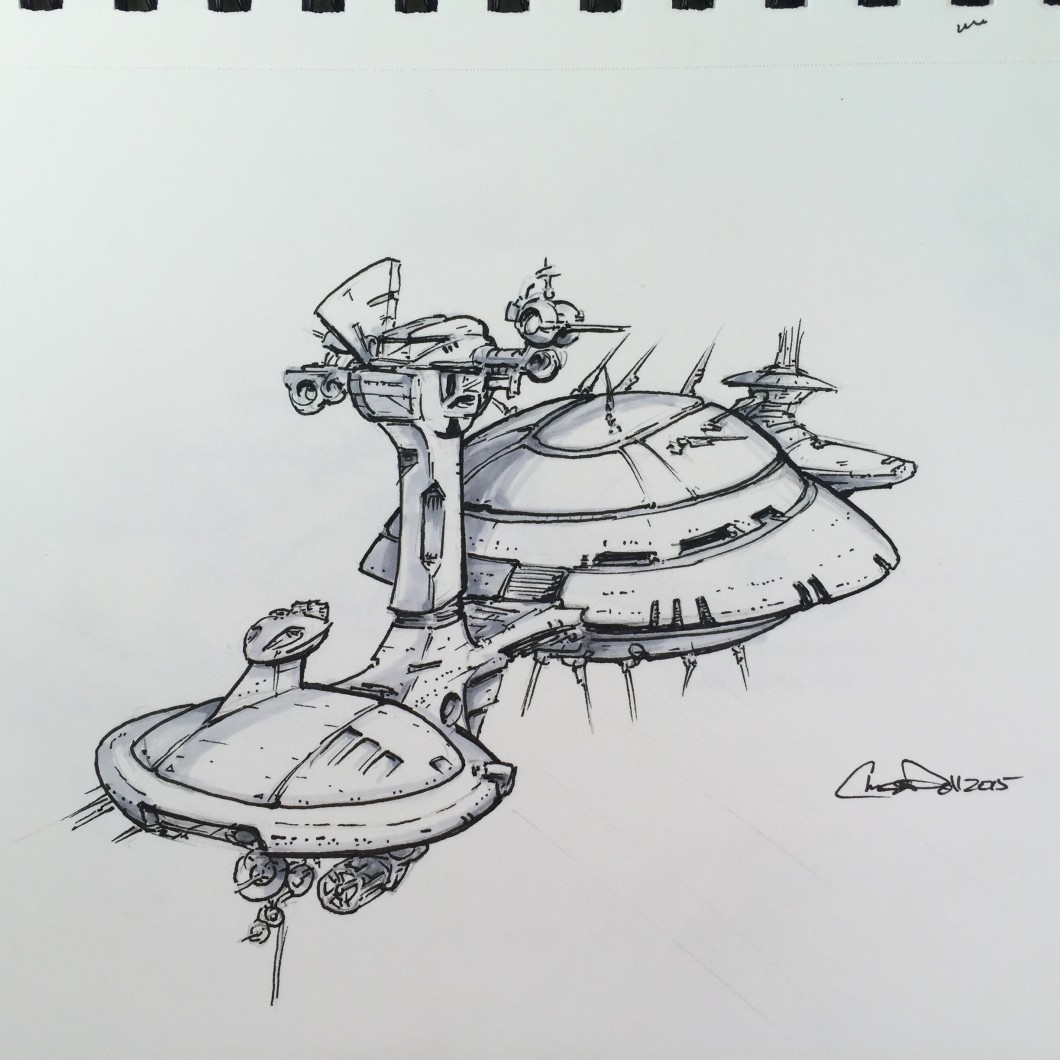
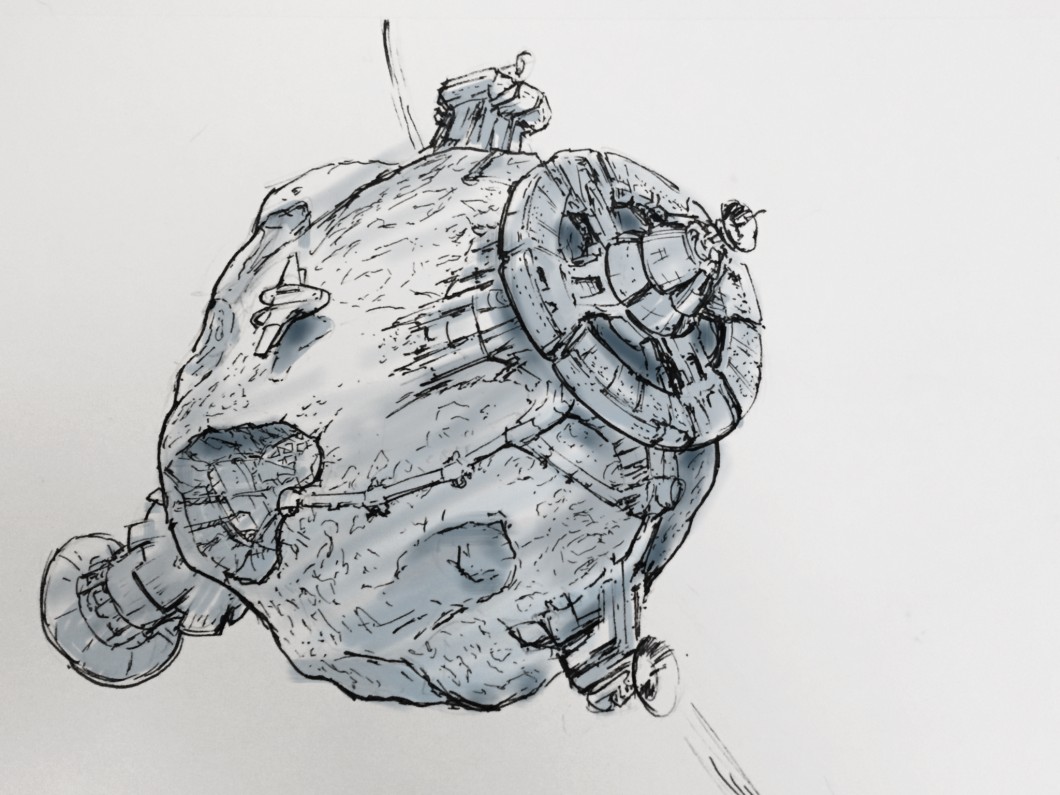
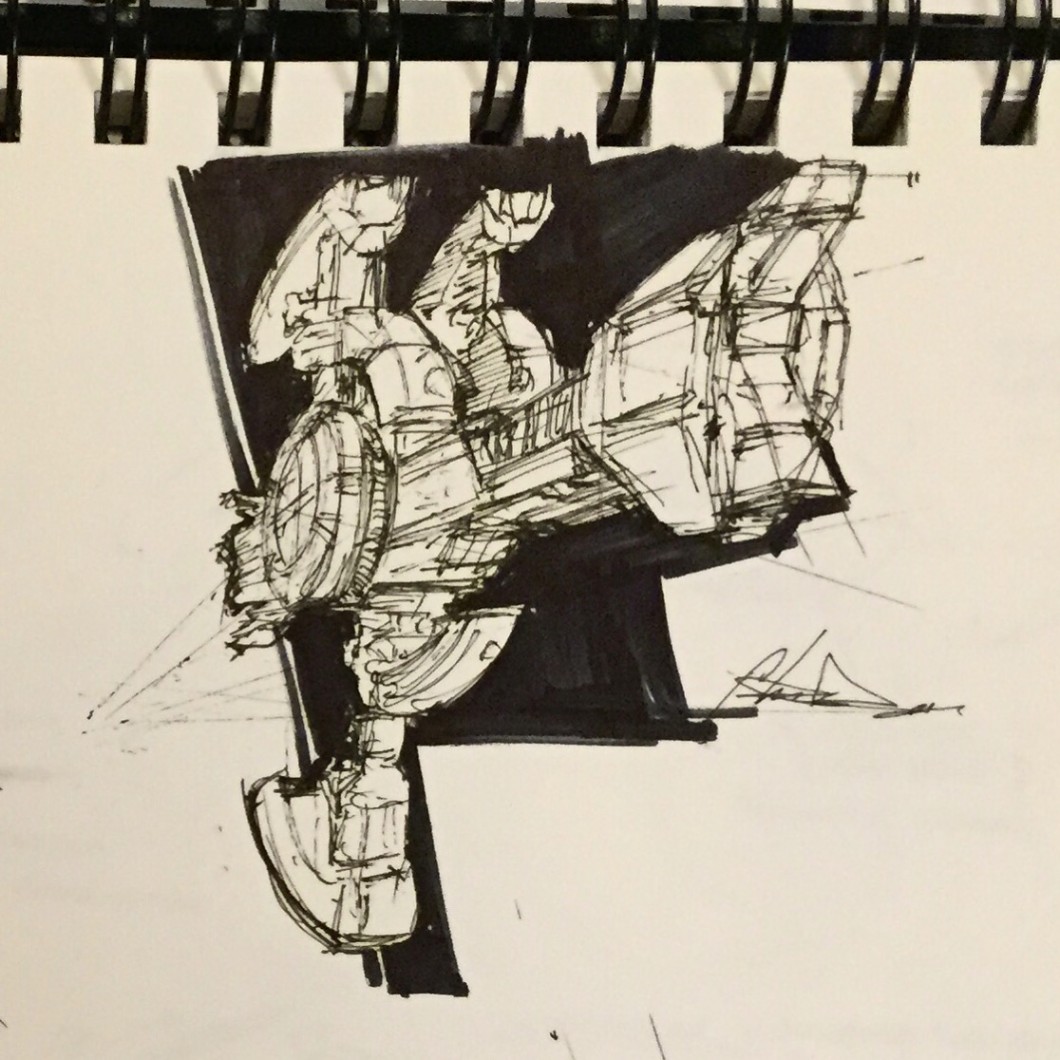
    Back around 2014 or so, I joined several other artists in SPACESHIP A DAY. Every day I drew and shaded a spaceship of my own design. It’s a fantastic way to improve your drawing skills.

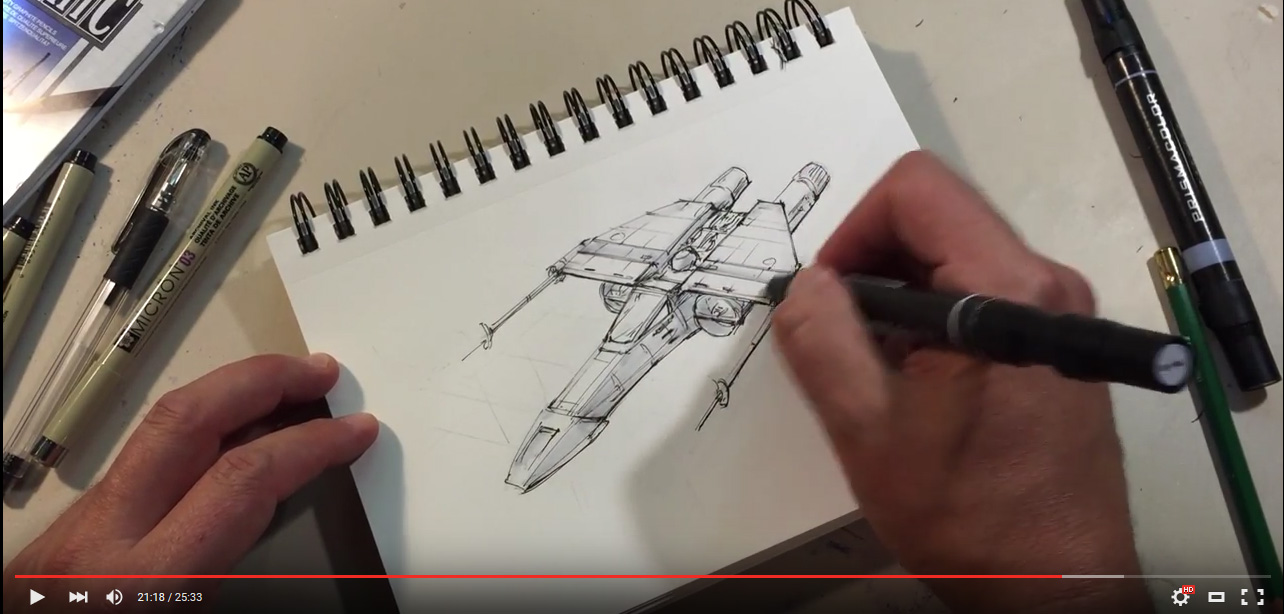
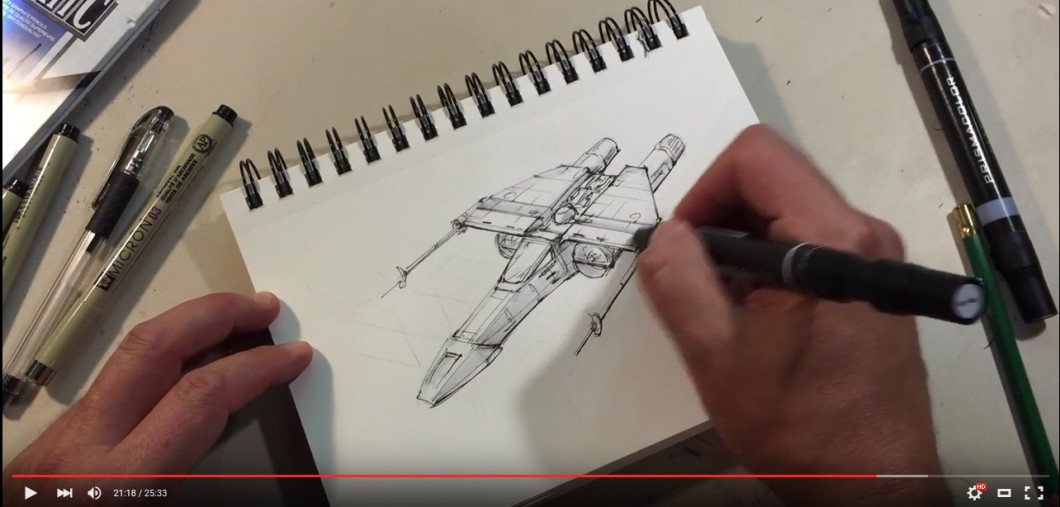
    I’ve made a video showing the process I use for the #spaceshipaday drawings. typically these drawings take 45 minutes, but I kept this one to 25 minutes for the sake of the demonstration. And yes, the spaceship is very derivative, but it was a lot of fun. Enjoy!

    NEW DRAWING CLASS

    For 2026 I am releasing the first of a new series of drawing courses, How to Draw Starships 101. This is the first class of my new SPACE ART ACADEMY where I will teach you how to draw, color, and paint your own scenes. Even if you don’t want to go as far as painting, I will show you how to draw like an Industrial Designer or Hollywood Spaceship Designer. And it’ll be a ton of fun!

    HOW TO DRAW STARSHIPS 101

    Original price was: $80.00.Current price is: $69.00.
  • Drawing a spaceship a day

    Drawing a spaceship a day

    NEW FOR 2026 – HOW TO DRAW STARSHIPS 101

    I am now taking pre-orders on a new class, How to Draw Starships 101. This is the first in a series in my new Space Art Academy. I’m offering this course at a steep discount so hurry before this offer runs out. I will teach you all the essentials, and more, for drawing all of your Spaceships any day of the week!

    HOW TO DRAW STARSHIPS 101

    Original price was: $80.00.Current price is: $69.00.

    Recently I discovered the #spaceshipaday Twitter thread started by artist and designer, Jeff Zugale. Jeff was drawing his ships the same way I’ve been drawing my own, pens and design markers in a 5.5″ x 8″ ring-bound sketchbook. Each sketch has a 45 minute time limit. His posts garnered so much attention they were featured on Kotaku.

    Drawing Spaceships

    I’ve been drawing spaceships like this my entire life. My notebooks and sketchbooks are full of them. It used to drive my teachers nuts whenever they’d grade my papers only to see them surrounding by little spaceships and science fiction scenes.

    Chris was always drawing little spaceships all over the place. ALWAYS. It’d be annoying if he wasn’t so damn good about it…
    – (Annoyed Co-Worker, name withheld)

    Drawing is one of the reasons I pursued a degree in Industrial Design, which amped up my ability to draw these scenes with better tools. To this day my notebooks appear to be written in an alien, heiroglyphic language composed of spacecraft and scenes. But I never really shared this with anyone, beyond a few close friends. With nothing to lose, I decided to jump on the #spaceshipaday bandwagon and join in the fun. Thank you, Jeff for starting a cool thread.

    My Spaceship-A-Day Process

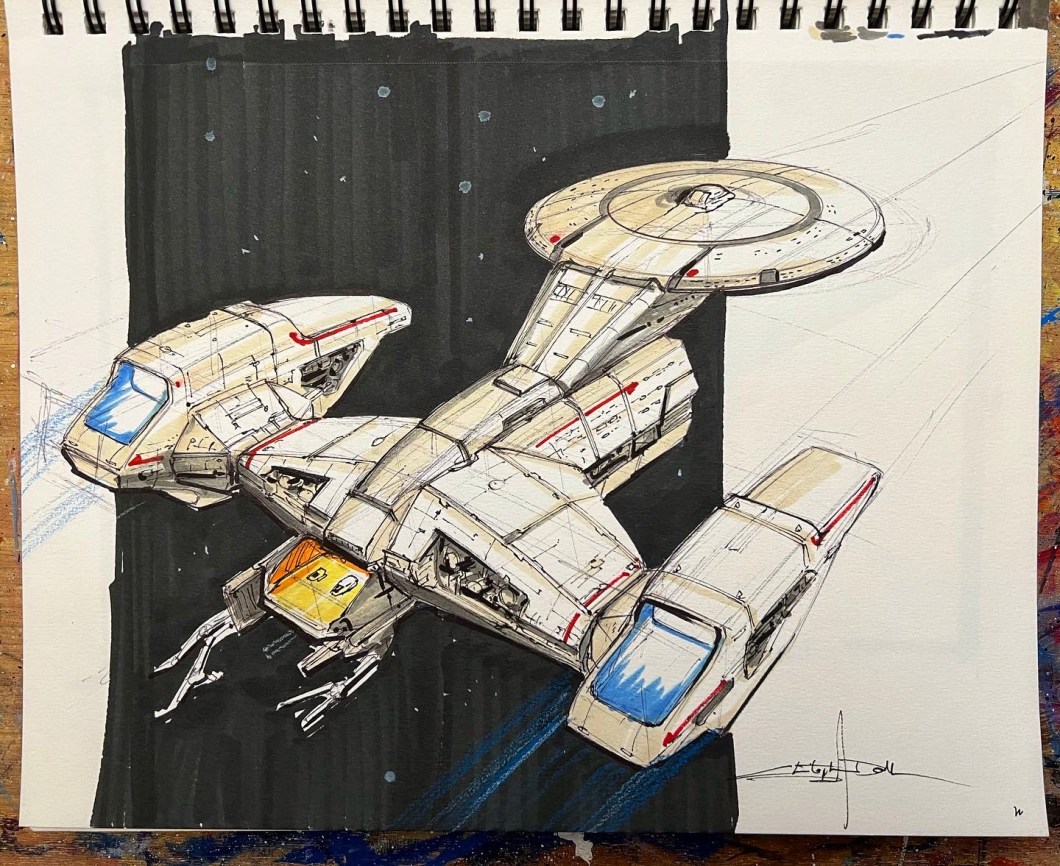
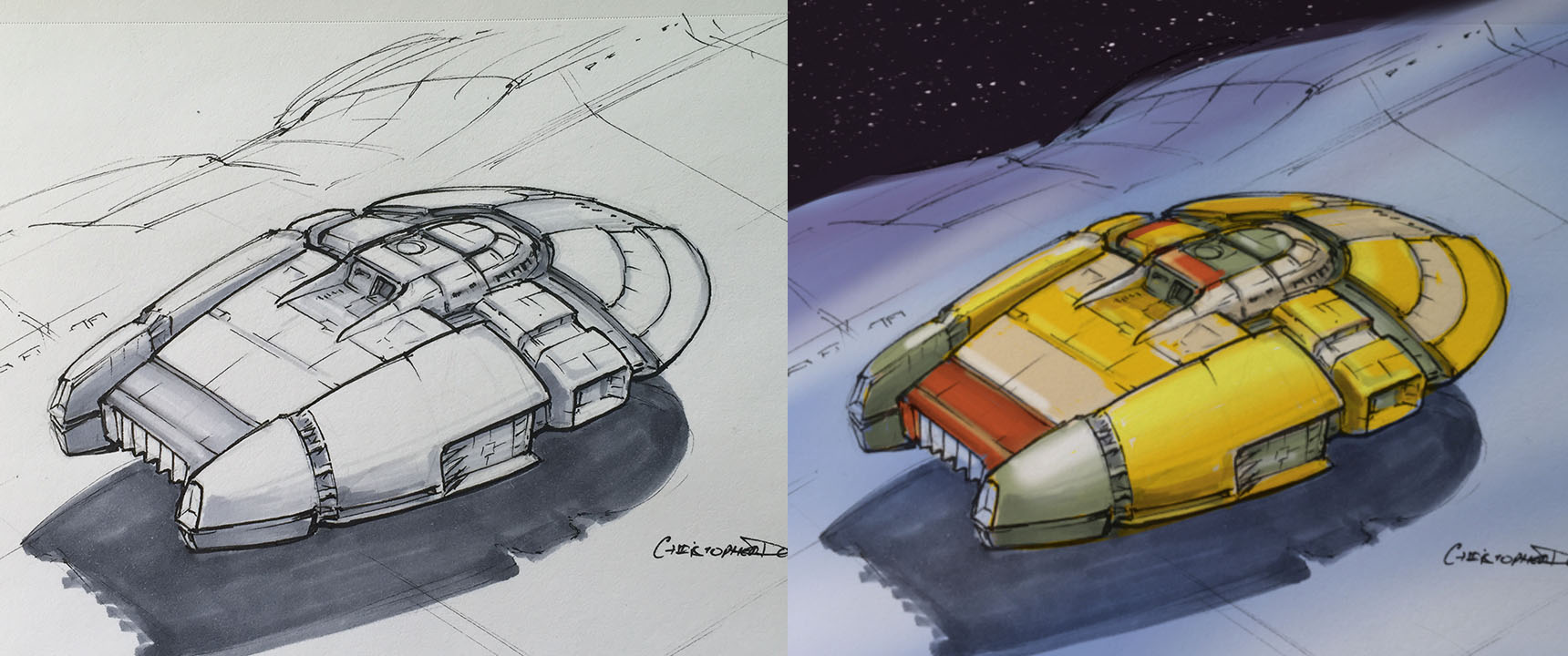
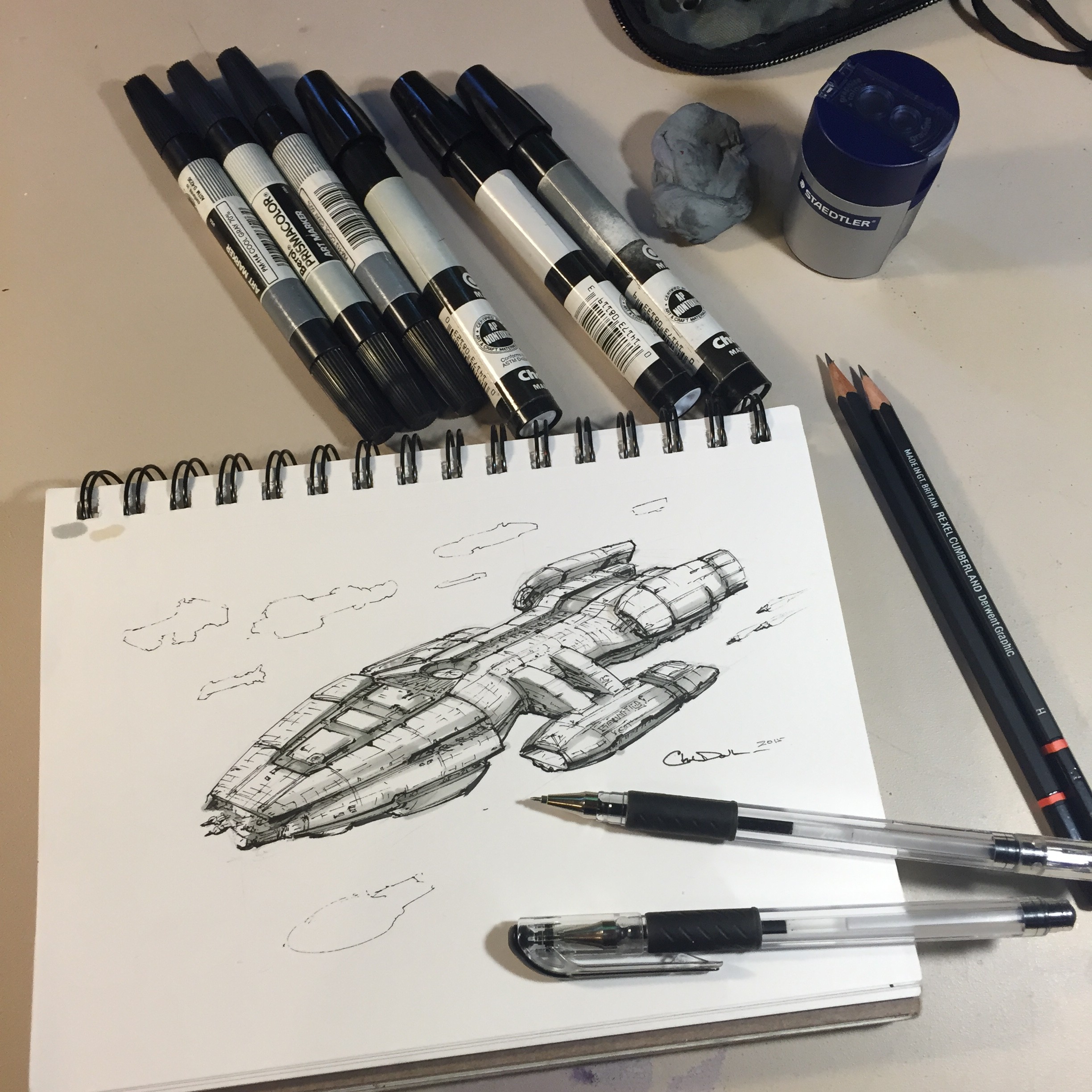
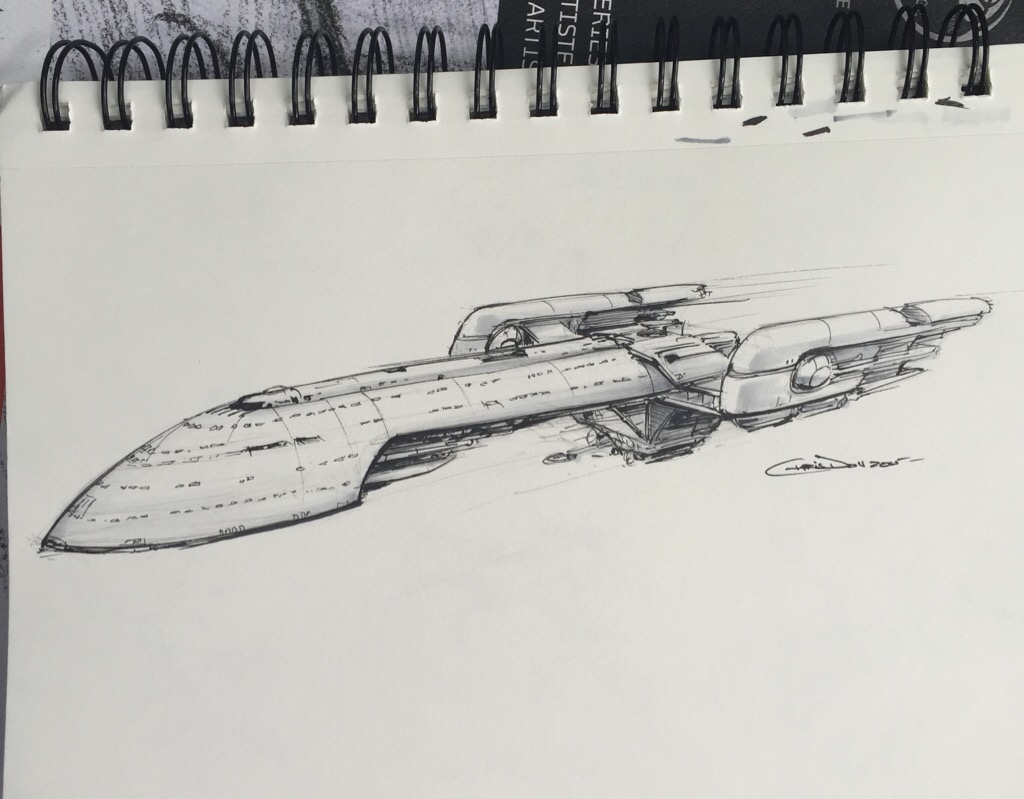
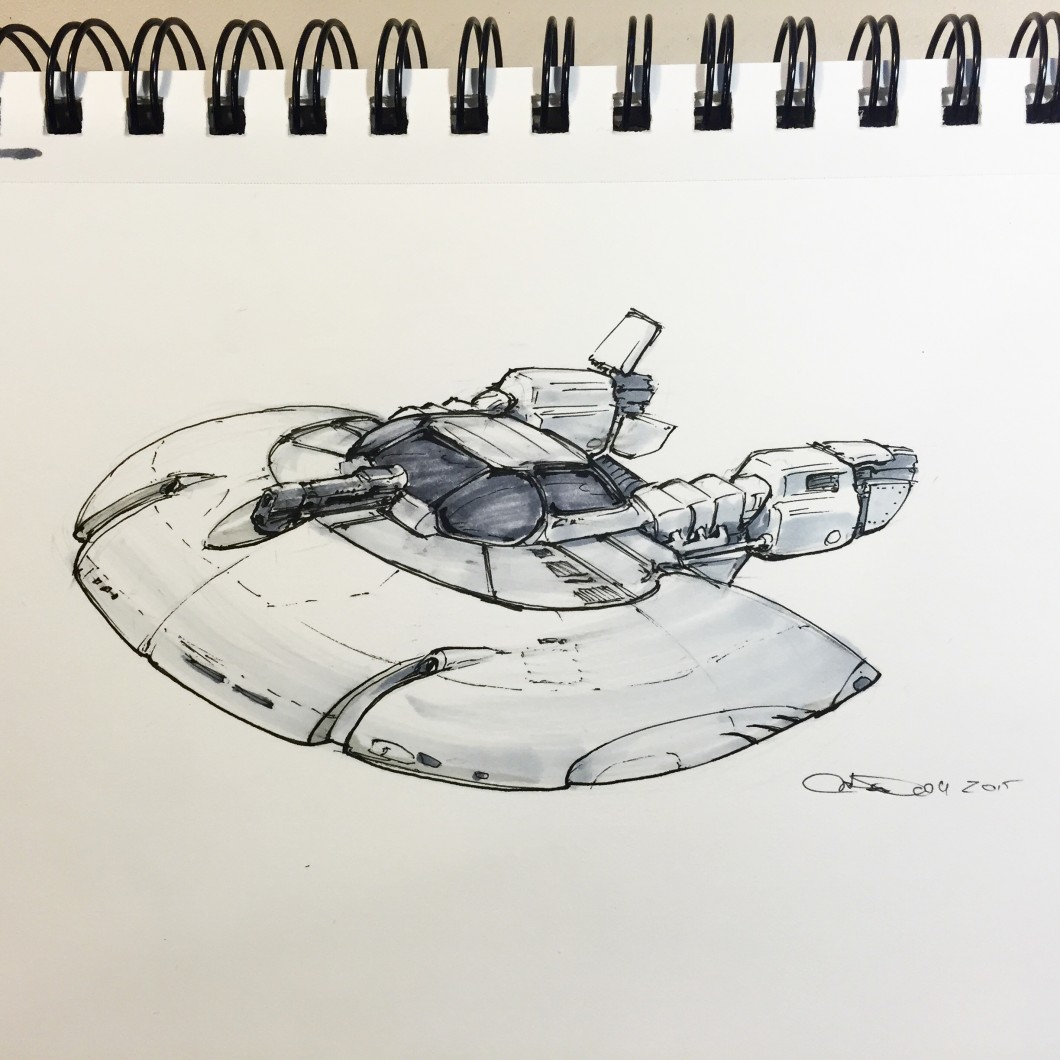
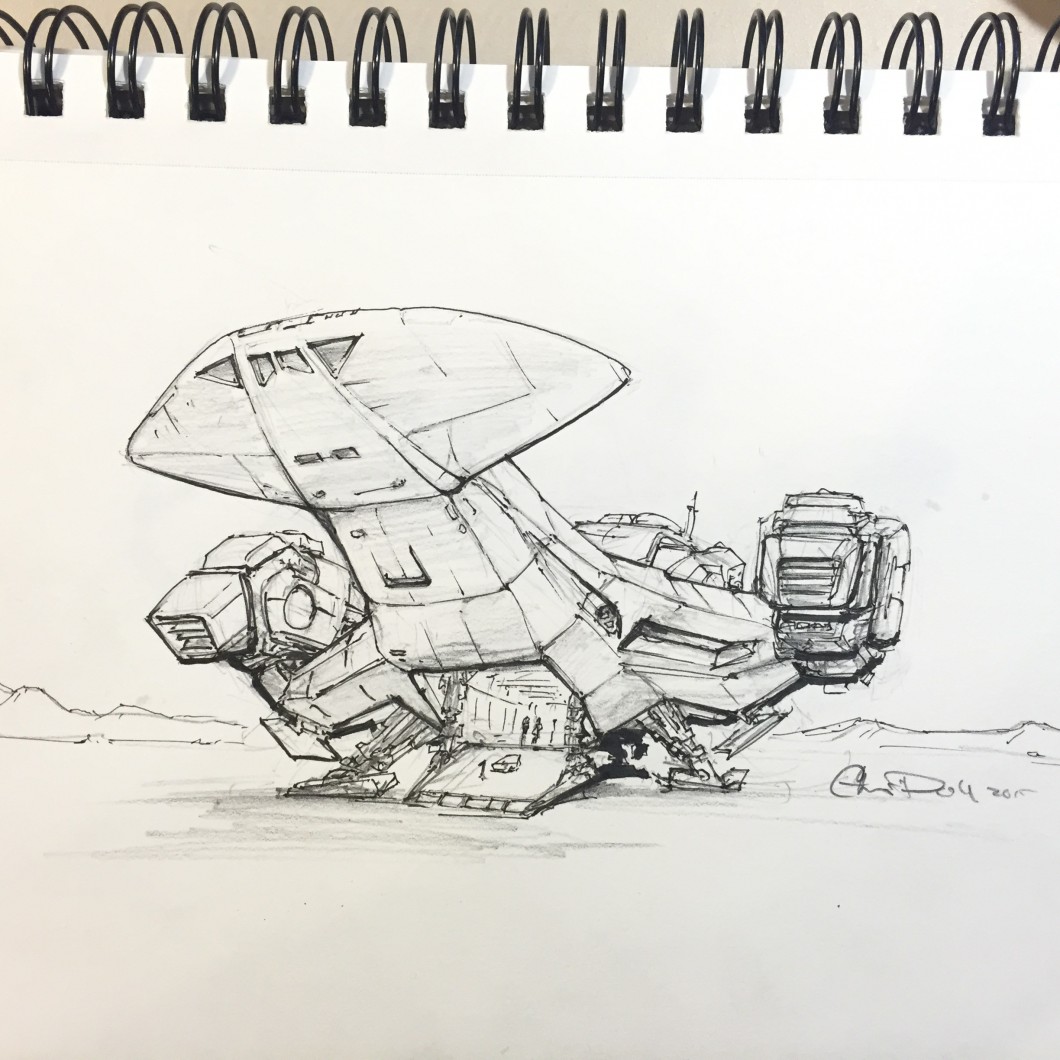
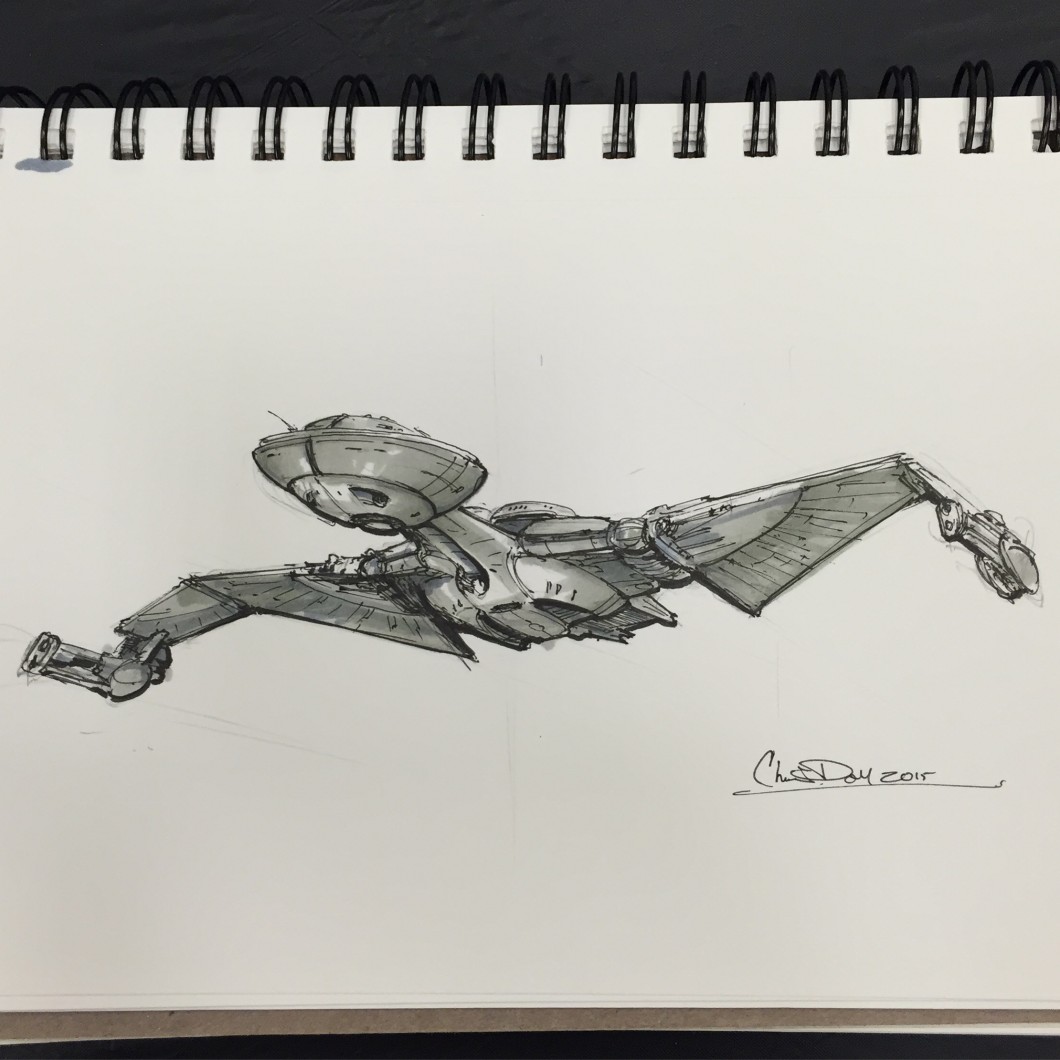
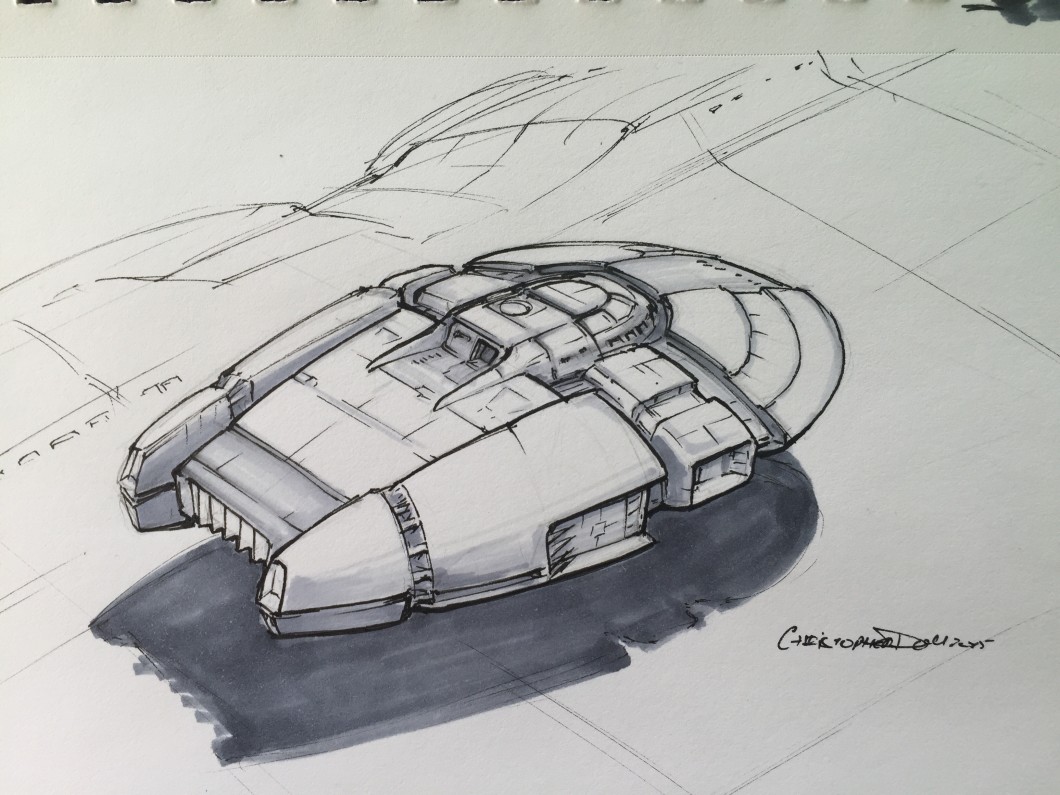
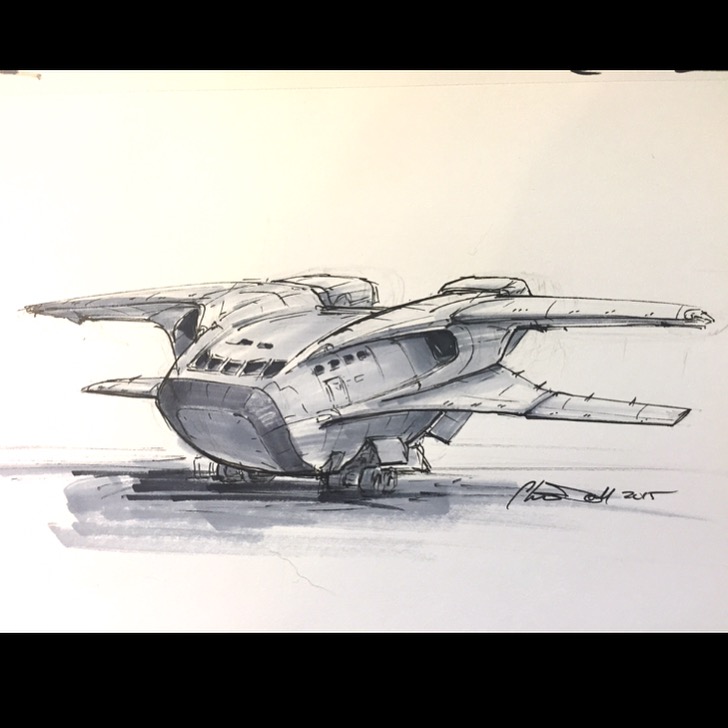
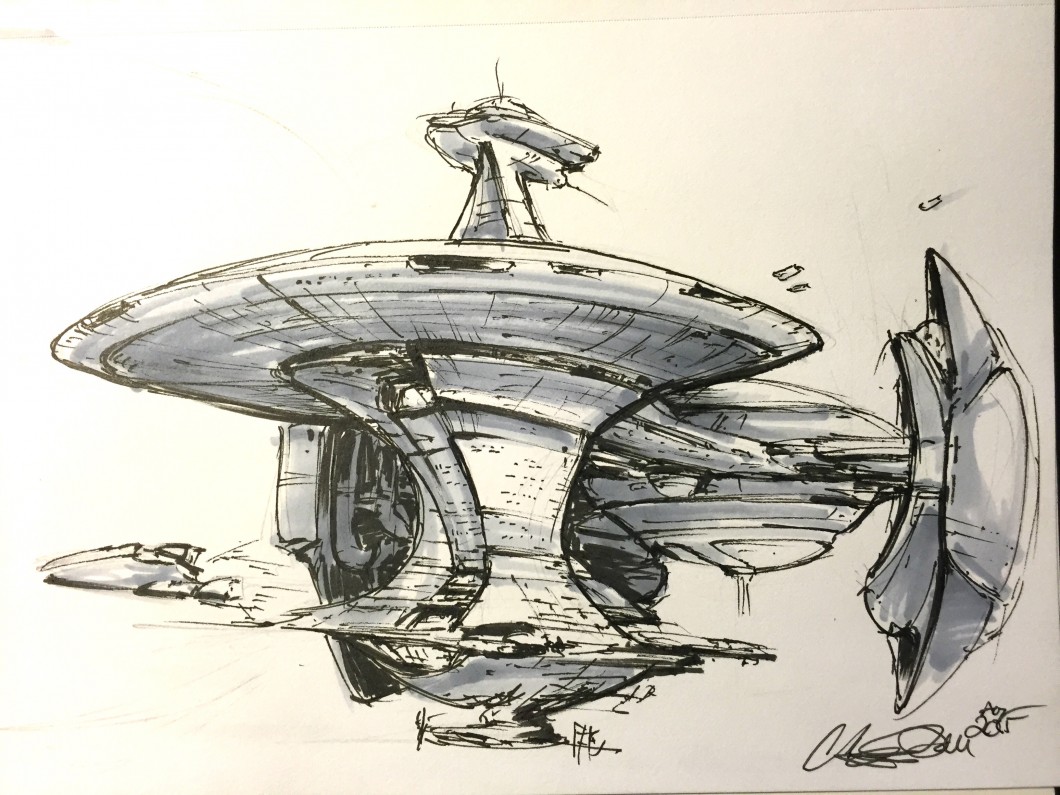
    Like Jeff I’ve kept my sketches to a 45 minute time-limit, but I’ll admit some of mine have run to 60 minutes. Sometimes I draw in the rough shape with 2H pencil, then go over it with several fine-line ink pens (.03, .06, .01 sometimes). Next, a couple of shading passes with light gray design markers (20%-40%, sometimes 70% for darker details). If needed I’ve used a brush pen for more painterly ink tones.

    Photo Aug 04, 3 39 15 PM (1)

    I’ll begin posting my own here on my site, but you’re welcome to follow my Twitter account for active updates. And let me know in the comments if you’d like to see a video of the process.

    Adding Color

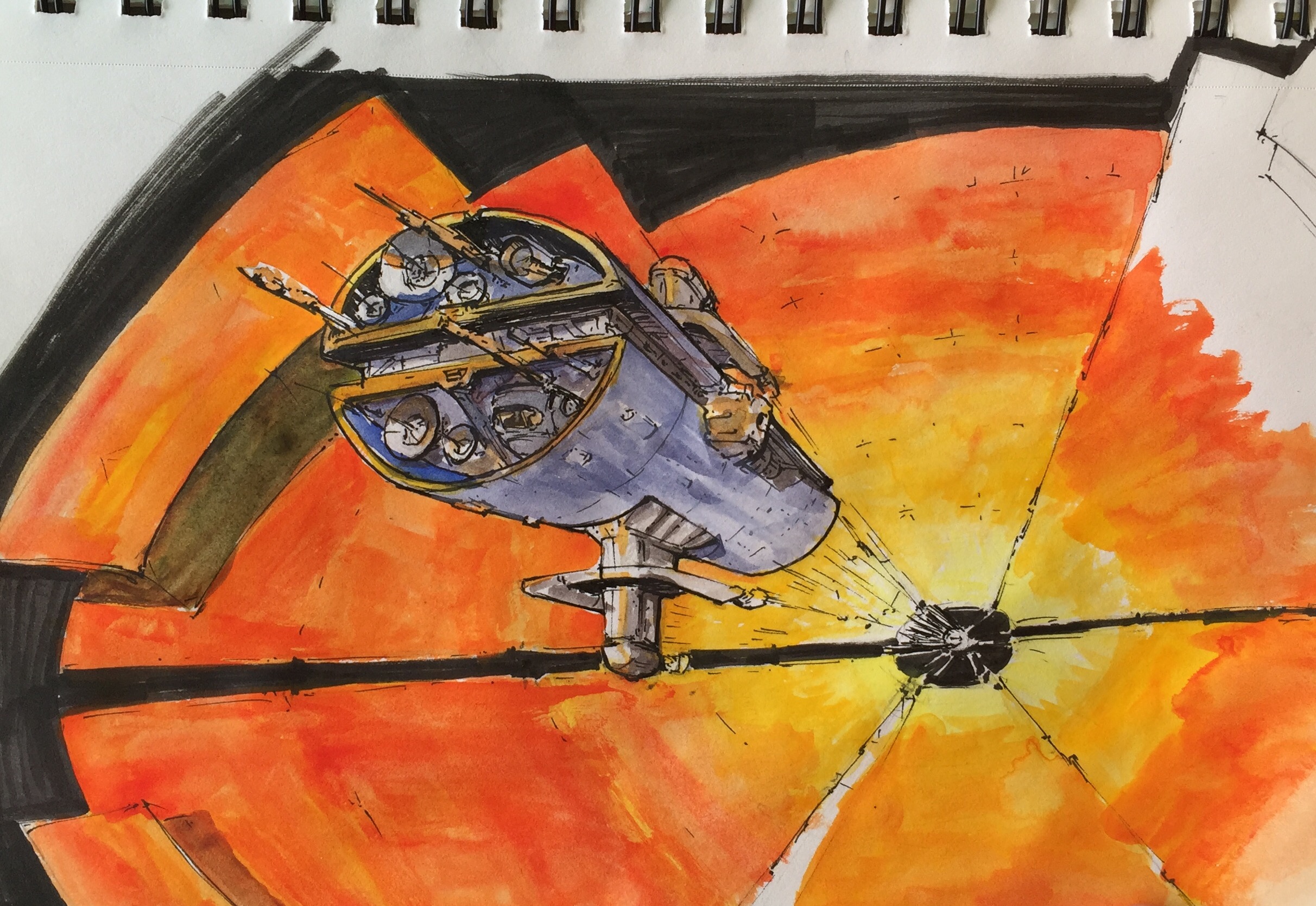
    For some of my drawings, I’ve taken them into Procreate on my iPad so I can add some color. Again I try to keep this to a 60 minute time limit, as the goal is to have a colored sketch or mood board view of the spaceship. Later on I will take some selections and do a fully rendered final piece.

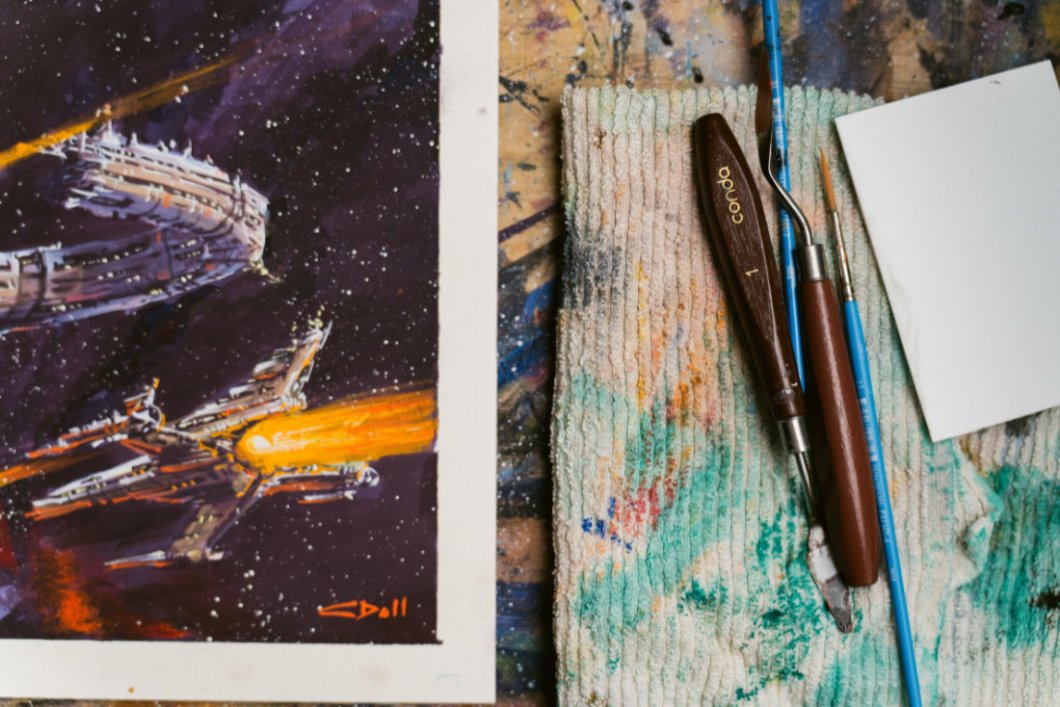
    This is also an exploration in tools, like in this case where I tried out a portable water-color set.

    Photo Aug 07, 5 17 16 PM

    My Spaceship in Lego

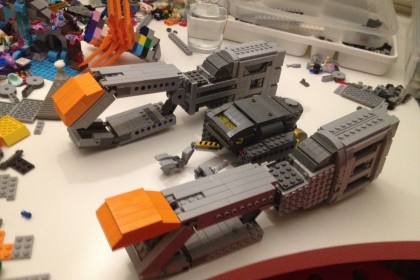
    Daniel Fortine, a fellow UX Designer and friend of mine, is very skilled in the brick arts. He really liked one of my drawings, and he’s gone ahead and started building it in LEGO:
    20052704743_b5a6f7bedc_k

    He is part of a group pool over at Flickr, with a lot of really great ship designs. Good luck Daniel!
    The End-Goal

    These drawings are part of a long-term strategy I’ve been following. For the last three years I’ve been practicing the necessary skills to be a professional artist, specializing in space, astronomy and science fiction art. Mostly it’s been an exploration of tools, media, and processes (including both digital and traditional methods). I’m also beginning to gain exposure as an artist, so I guess to some degree it’s just me sharing some cool spaceships with the world and saying “Hi, I can do this”. Granted if you’re the sort of person who needs a spaceship design, feel free to reach out.